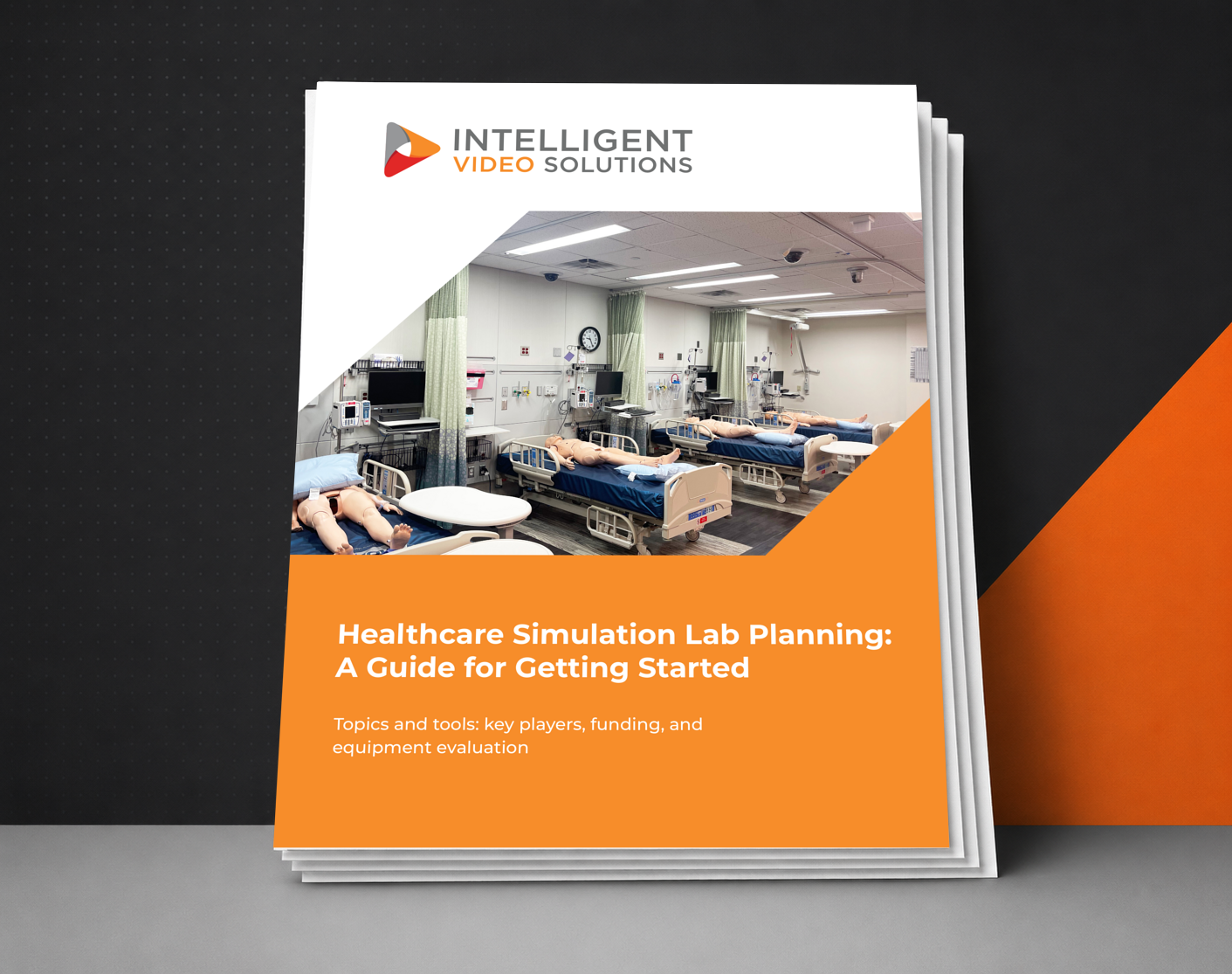


Healthcare Simulation Lab Planning: A Guide for Getting Started
If you're looking to expand or implent a new simulation space use this guide for topics and tools, including key players, funding, and equipment evaluation.
- 1. Defining your sim lab 'Must-Haves' with required equipment and supplies.
- 2. Drawing Your Ideal Lab Floor Plan Template.
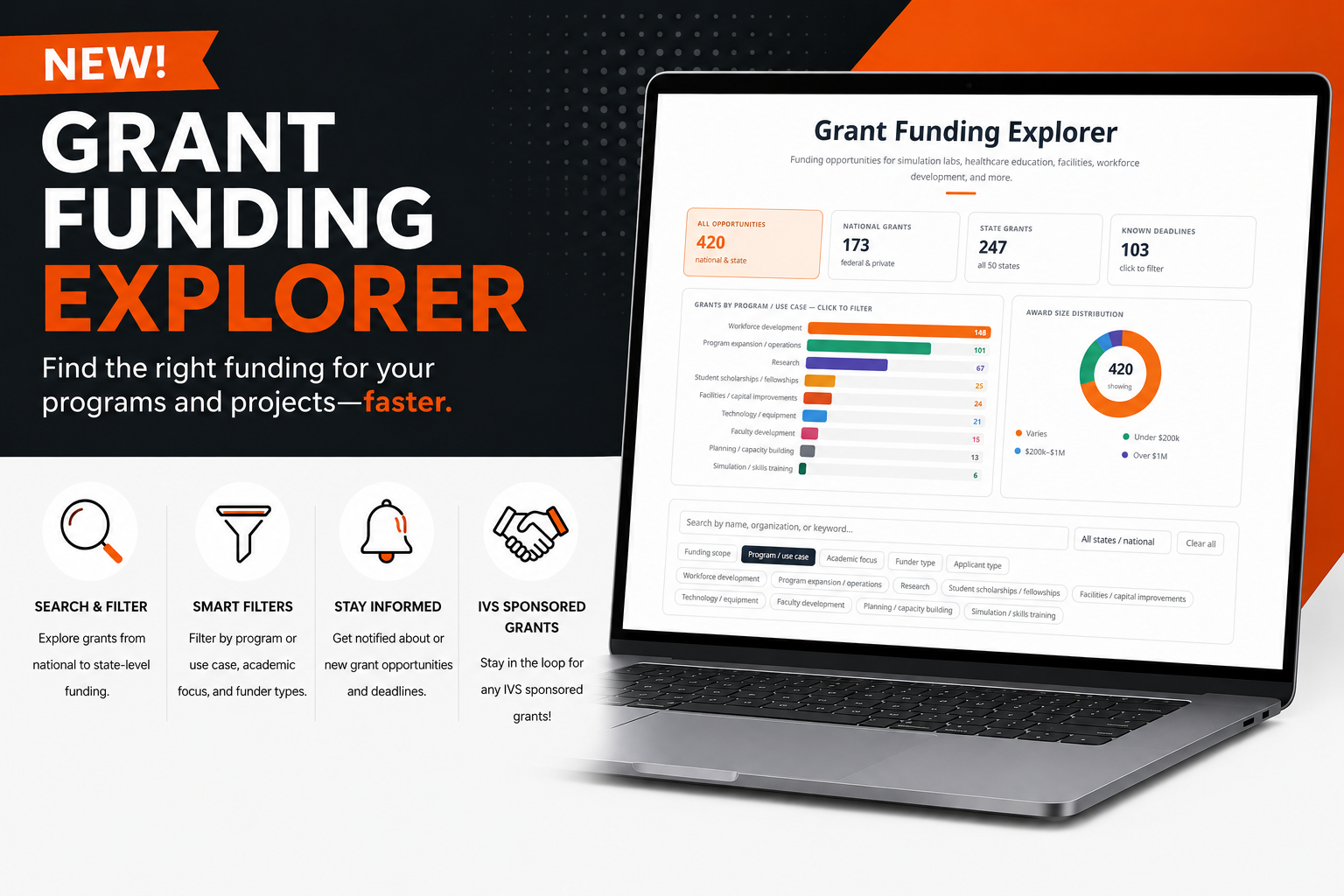
- 3. Defining Your Simulation Lab Budget and Funding.
Get the Planning Guide
Hardware, Do More with Less?
HD Video and High-Quality Audio
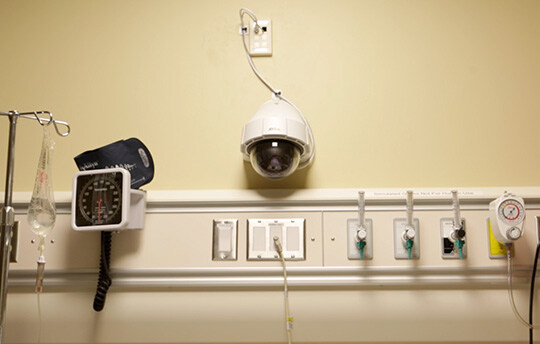
HD IP-based PTZ, fixed, and mobile cameras support video capture in 1080p sync with high-quality microphones for exceptional audio. Add any number of cameras and audio equipment to multiple rooms.
Scalable Technology Architecture
A single VALT appliance supports up to 50 cameras and delivers unlimited streams, easy to add cameras and equipemnt. as your program grows.
Reliable Operating System
Robust enterprise components built on top of a hardened Linux operating system and a proven application stack to minimize points of failure.
Protect Student and Patient data
User permission structure and encryption methods help support program's HIPAA and FERPA compliance by allowing granular access to content and capabilities.
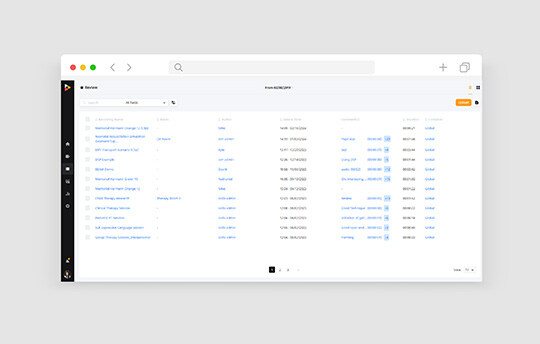
VALT Features for Simulation
Feedback Functionality
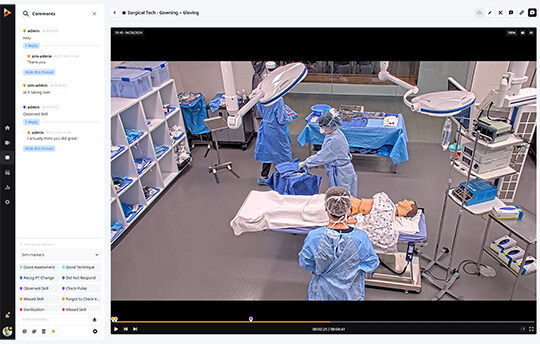
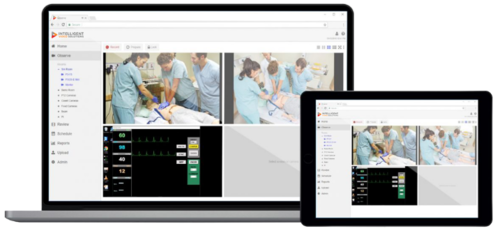
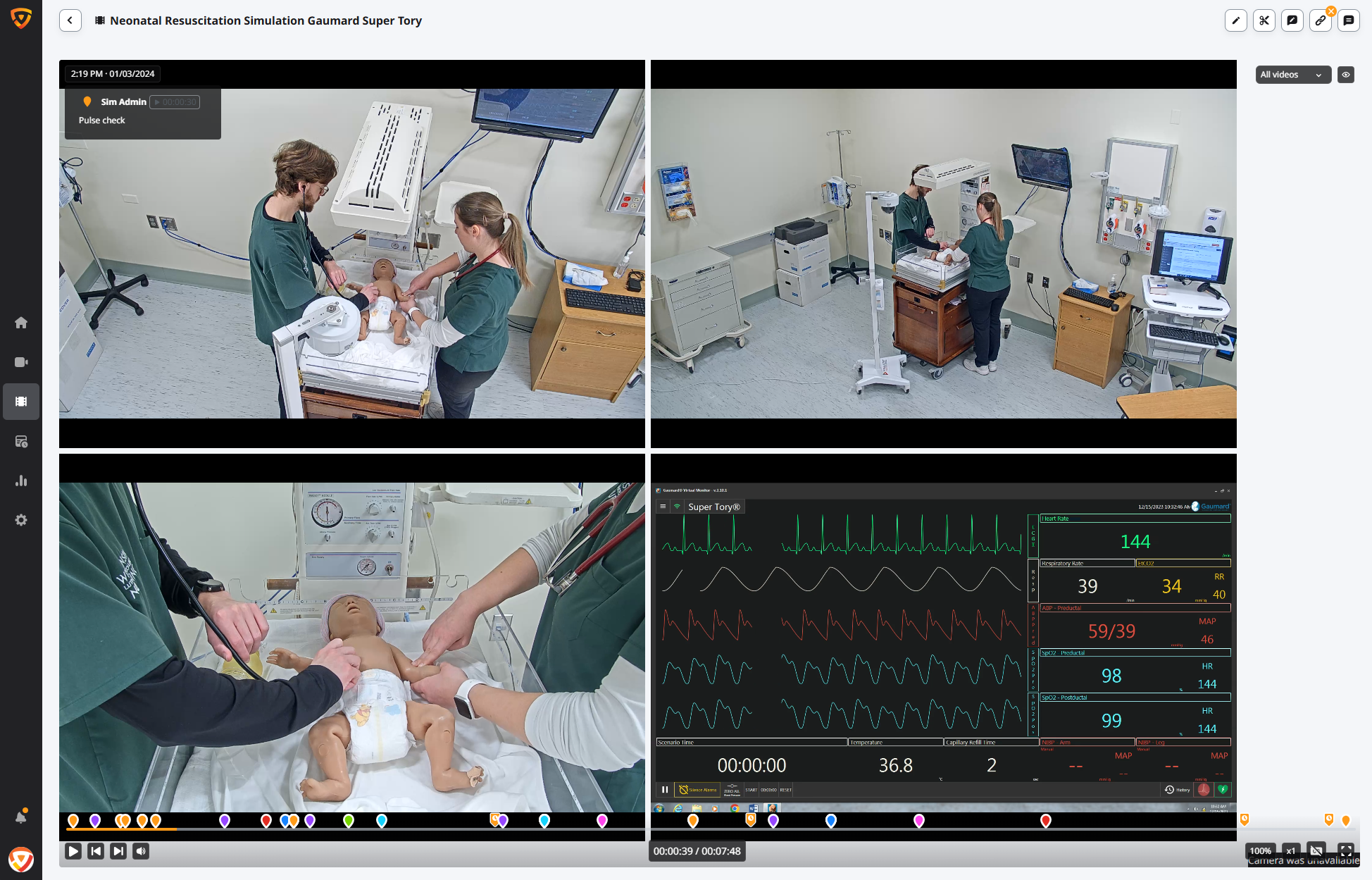
Add time-stamped comments live or on playback to guide the debrief.
Learn MoreEncoder Support
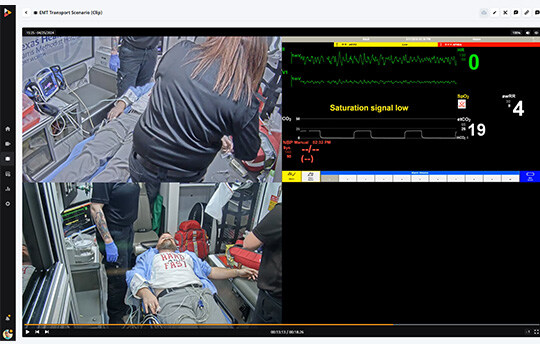
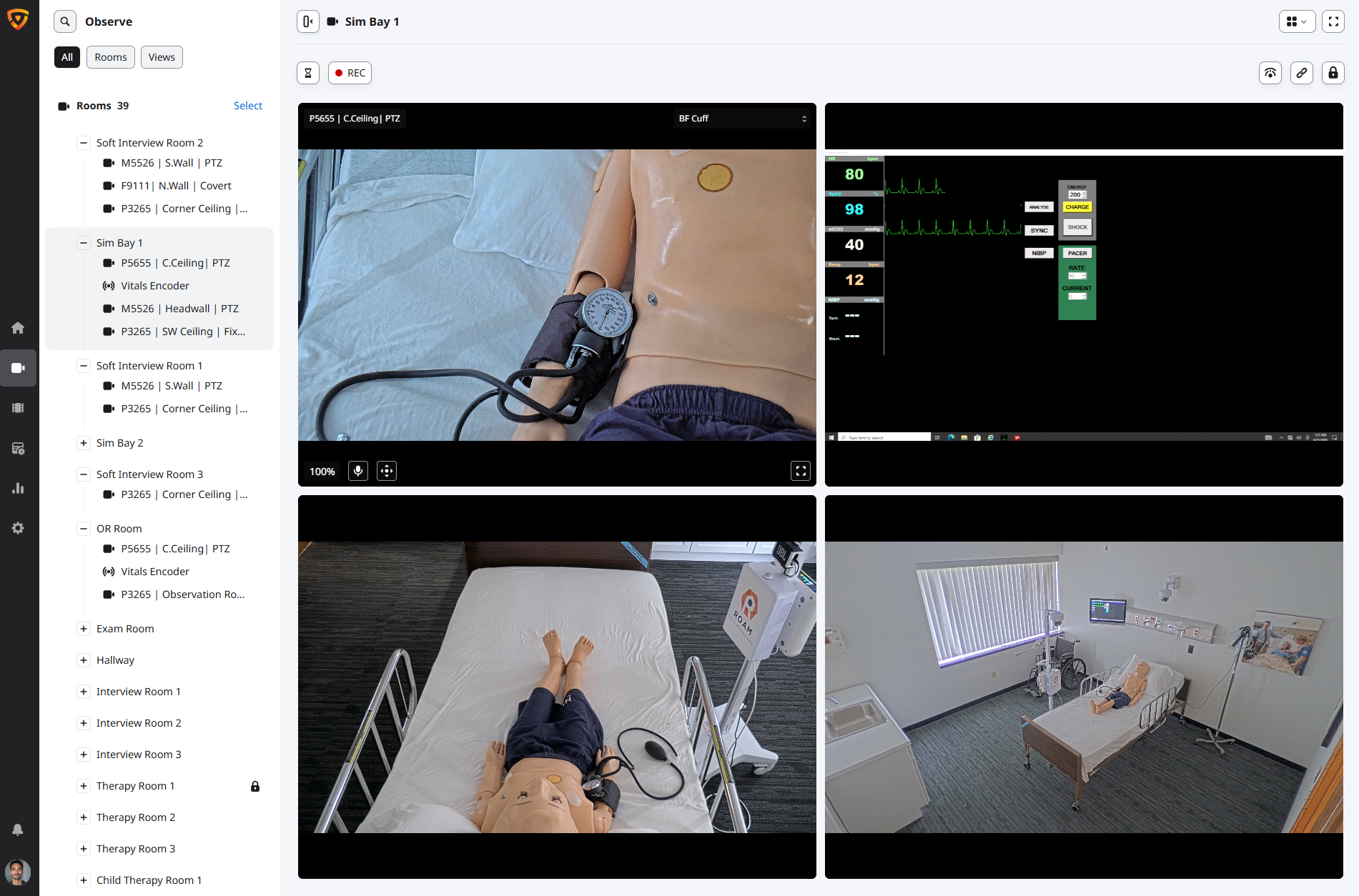
Capture patient monitors and manikin control software beside room cameras.
Learn MoreWhere VALT Supports Healthcare Simulation
Nursing Education
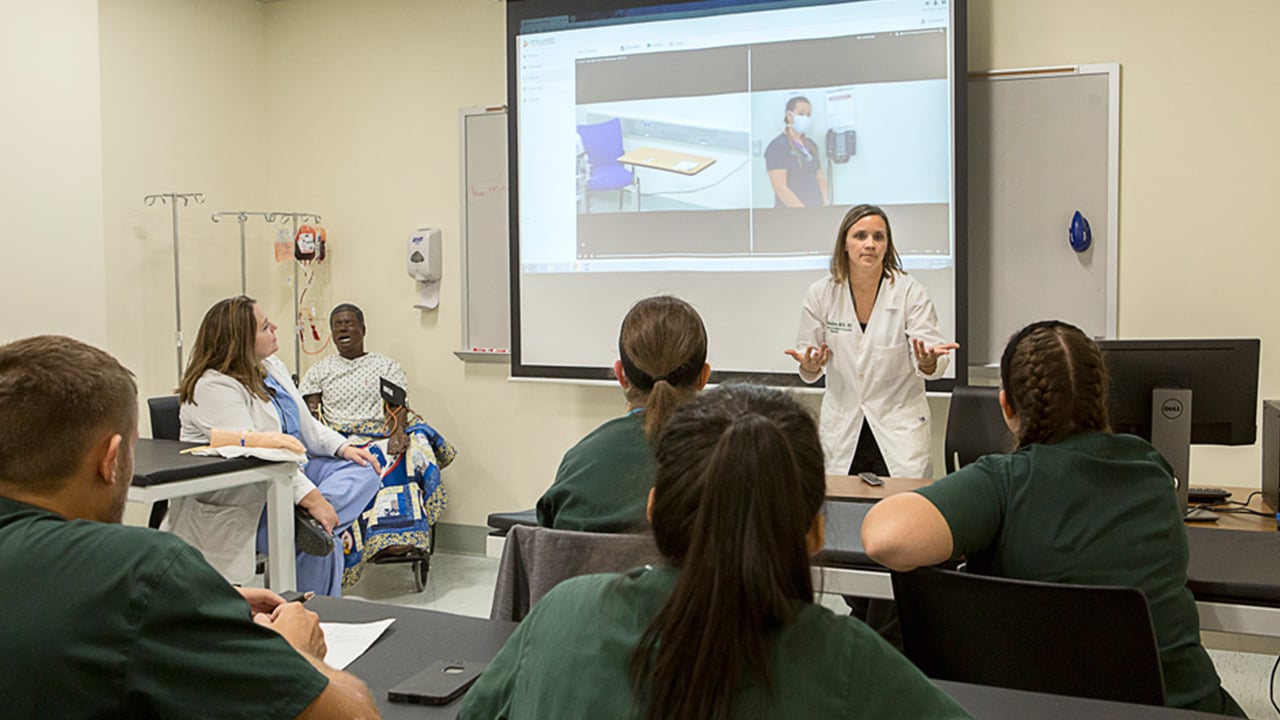
Video-based debriefs build clinical judgment before learners reach the bedside.
OSCEs
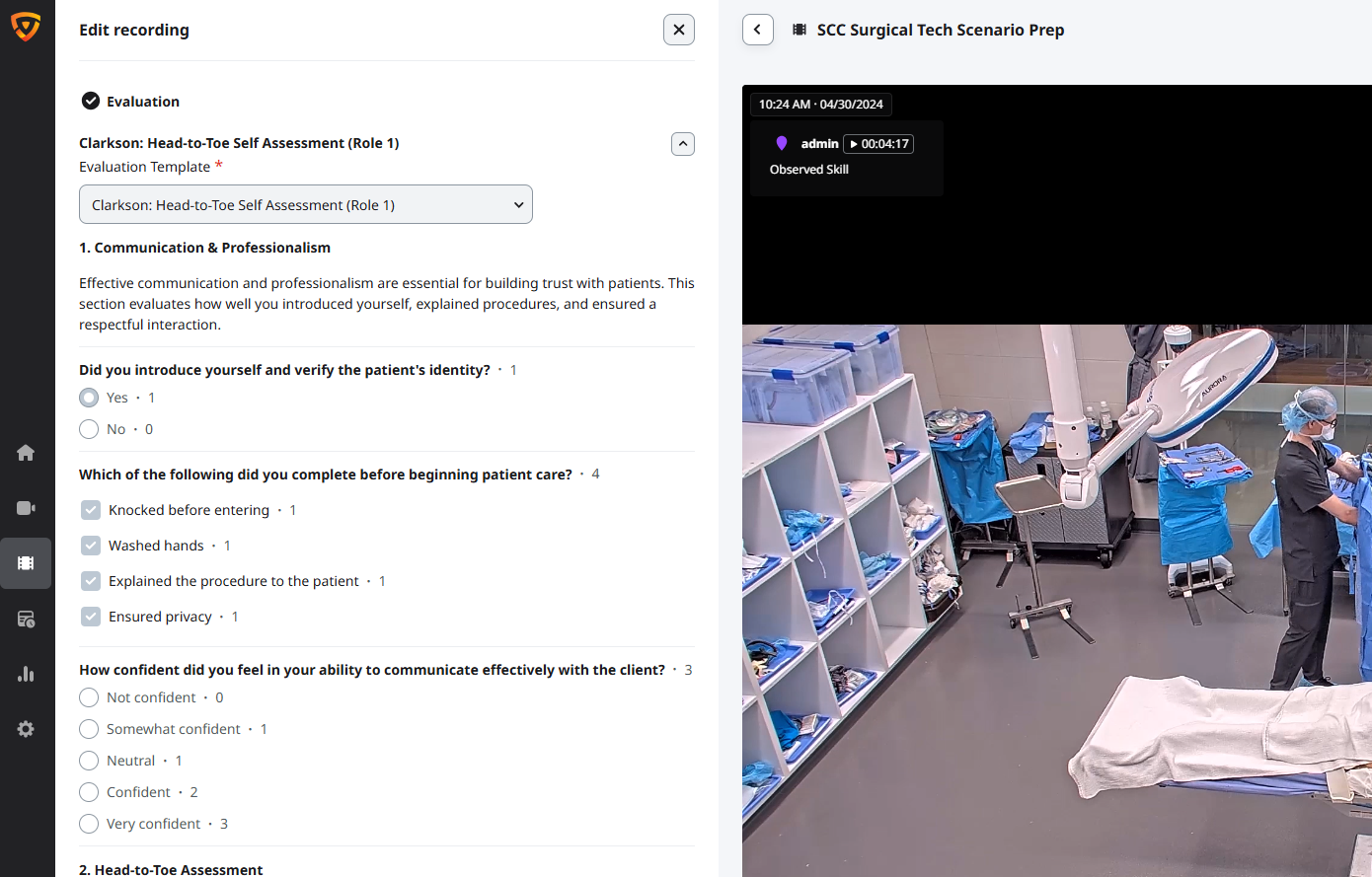
Multi-station exams with scheduled recording and linked evaluations.
Pharmacy Simulation
Review patient counseling and medication scenarios for accuracy.
Patient Safety & IPE
Team-based scenarios that strengthen communication and expose safety gaps.
Dental Simulation
Capture directly above dental typodonts and mirror from across the practice room to see the whole operatory.
Surgical Simulation
Capture presets in labs for skill assessments, laparotomy setups, and laparoscopic learning.
Respiratory Training
Help students develop critical assessment, treatment, and patient-care skills.
Pediatric Training
Observe, record, and review simulations in a controlled learning environment.
See How VALT Serves Simulation Training Programs
Click on the play button to find out how WLC is using VALT for nursing simulation training. Learn More >
Click on the play button to find out how MRU uses VALT in their child development and nursing simulation labs. Learn More >
Click on the play button for an abbreviated demonstration of the VALT software. Learn More >

Built-in Scheduler
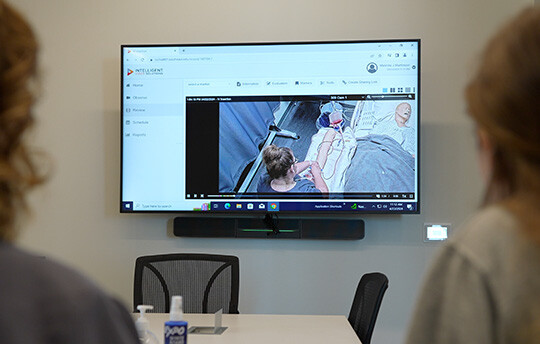
Completely automate the recording process by scheduling recordings in advance to occur on a daily, weekly or monthly recurring basis.

Remote Recording Capabilities
Use in-room controls to start and stop recordings within the simulation lab, or initiate recordings remotely from any networked device.

Encoder Integrations
Capture content from different sources, such as vital monitors or manikin control software, and automatically pair it with video camera footage.

Pan-Tilt-Zoom
Use the software to pan, tilt and zoom each camera to capture different angles and hone in on specific details during observation.

Feedback Functionality
Flag specific moments within recordings to review and discuss with your students using bookmark and note-taking capabilities.

Centralized Storage
Reduce demands on your network with centralized storage, MP4 formatting and video compression capabilities.
"The system affords our students additional learning opportunities and the chance to become competent professionals in the area of pharmacy."
Dr. Teri Charrois, Clinical Associate Professor
University of Alberta
- Intelligent Video Solutions
- Solutions
- Simulation