

ROAM by IVS · Mobile capture for VALT
Mobile Video Recording Carts & Portable Capture Systems
Record, observe and stream anywhere, not just in rooms with fixed cameras. ROAM puts the power of VALT on a cart, a tablet stand, a travel case or a backpack, so you can capture simulation, training and research wherever it happens.
Works with your existing VALT system · Installed and supported by IVS
Find your fit
Which ROAM Is Right for You?
Four configurations, one VALT platform. Tell us how you’ll record and we’ll point you to the best fit.
I need to…
Recommended for you
ROAM Camera Cart
A PTZ camera and microphone on a slim rolling cart that you control right from VALT.
- Axis pan-tilt-zoom camera
- Wireless Power
- Optional on-cart control display
Compare ROAM Models at a Glance
| Feature | ROAM Camera Cart | ROAM Tablet Cart | ROAM: Connect | ROAM: Portable |
|---|---|---|---|---|
| Best for | Room-to-room capture, in-situ simulation | Interviews and assessments with your own tablet | Multi-camera skills training and research | Off-site and field recording |
| Camera | Axis pan-tilt-zoom (PTZ) | Your tablet or iPad | 2 HD 1080p cameras | 1080p wireless camera(s) |
| Audio | Built-in mic; talkback speaker | Tablet microphone | 2 microphones | Integrated camera mics |
| Power | PoE, outlet or battery | Tablet battery | 25 ft power cord | Camera battery packs |
| Moves by | Rolling cart, locking casters | Rolling cart, articulating arm | Wheeled travel case + wheeled tripods | Rolling case or backpack |
| Laptop included | — | — | ✓ Laptop & mouse | ✓ Core i7, 16GB RAM, 2TB SSD |
| Records to VALT | ✓ | ✓ | ✓ | ✓ |
Not sure which fits your space? Talk to an A/V specialist or call (855) 229-9699.
Why ROAM
Why Teams Choose ROAM for Mobile Video Capture
Fixed cameras are great for a dedicated sim lab. But training and research don’t always happen there. ROAM brings the same VALT recording, observation and review tools to every other space.
Record beyond the sim lab
Take capture to the unit, the clinic, the ambulance bay or off-site. No permanent hardware required.
Capture the right angle
Position cameras where the action is and record multiple angles of every session.
Scale as you grow
Add carts or kits one at a time as your programs expand, with no construction or new wiring.
Use devices you own
ROAM Tablet Cart turns your existing tablet into a stable, height-adjustable recording station.
Part of your VALT system
Each ROAM camera appears in VALT like any fixed camera. Observe, record, mark and search with the same tools and permissions.
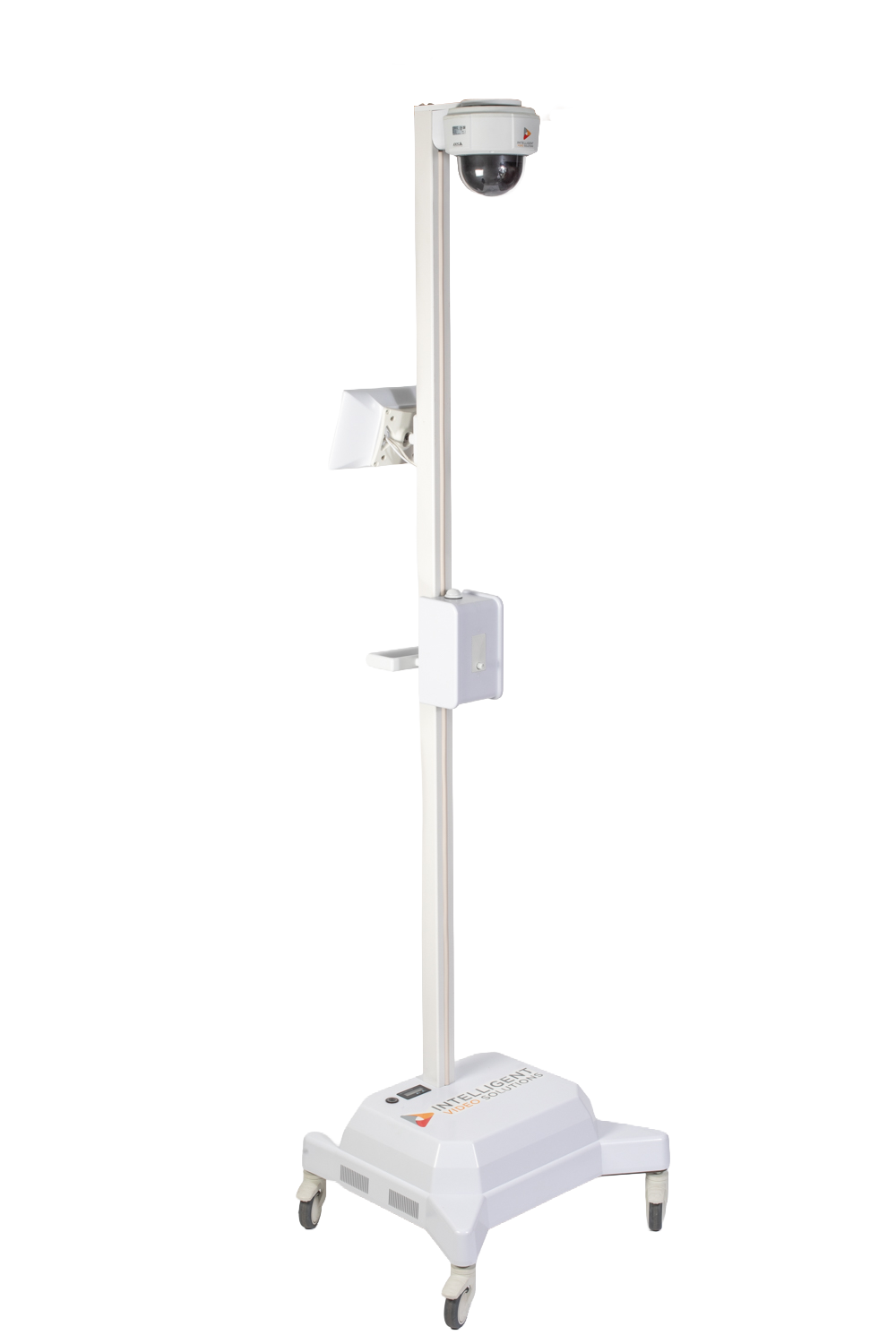
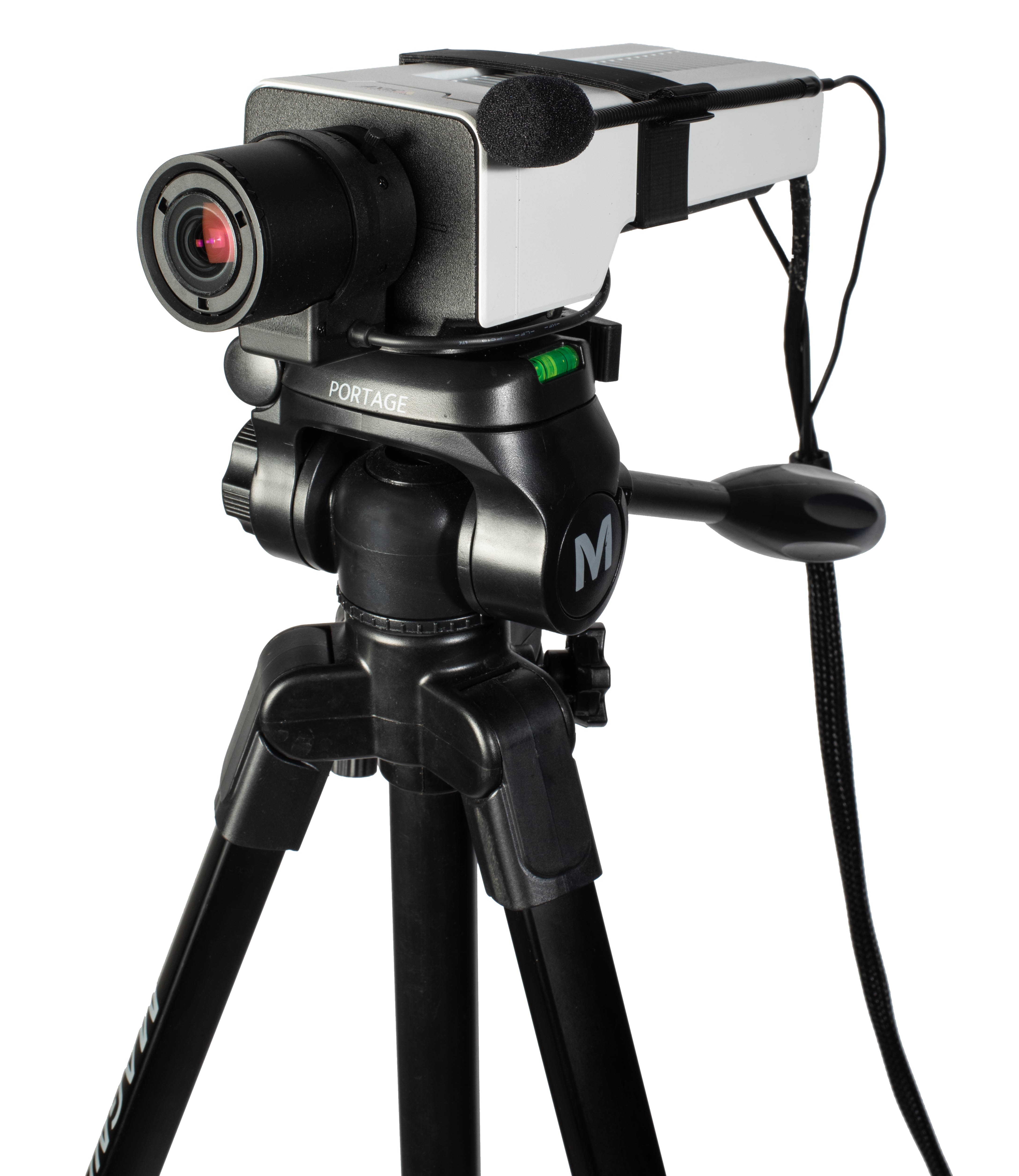
ROAM Camera Cart
Mobile PTZ Camera Cart for In-Situ Simulation
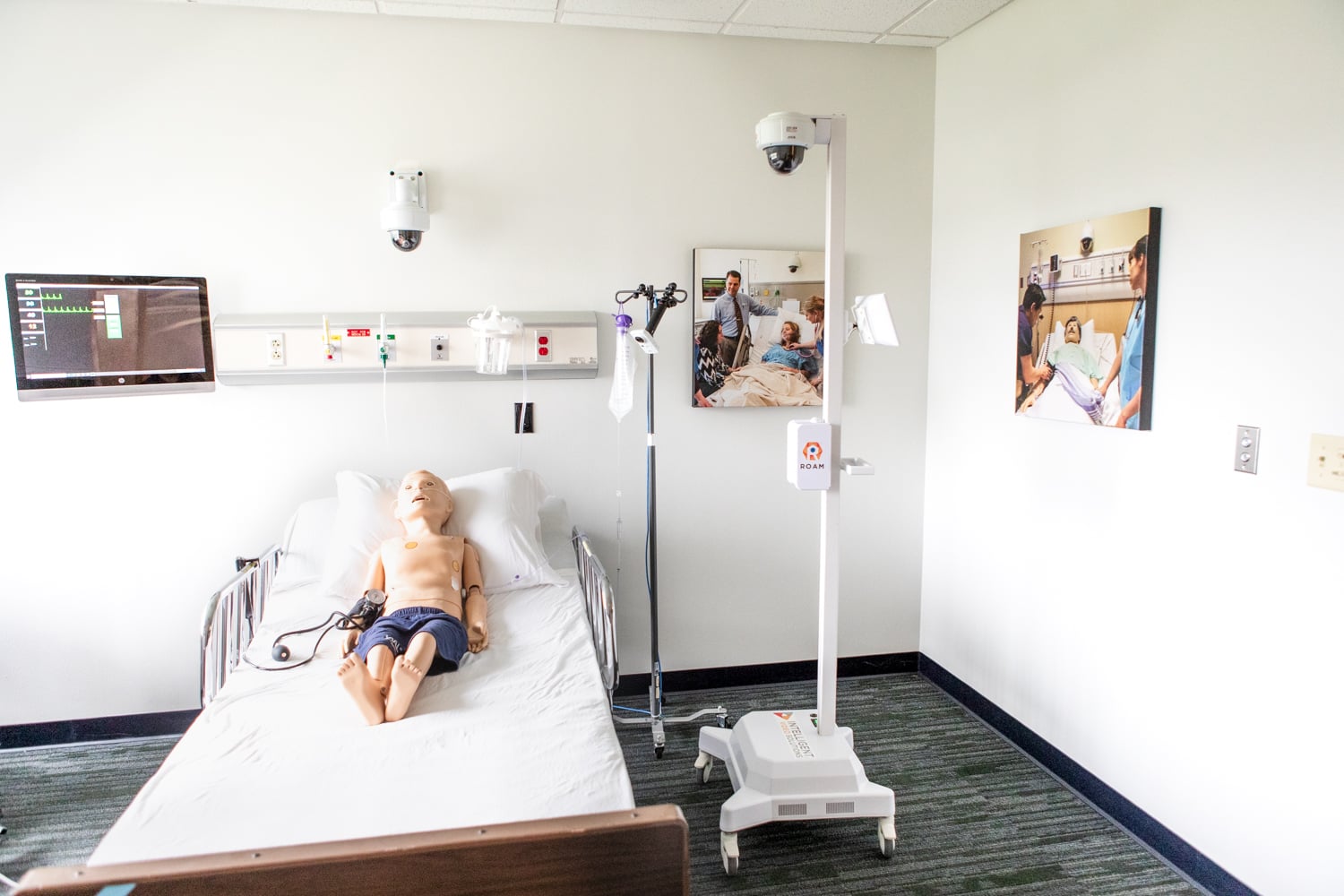
A rapidly deployable pan-tilt-zoom camera and microphone on a slim, ergonomic cart. Roll it into any room, lock the casters, and control the camera remotely from VALT, or from the optional on-cart control display.
Key features
- Axis pan-tilt-zoom camera
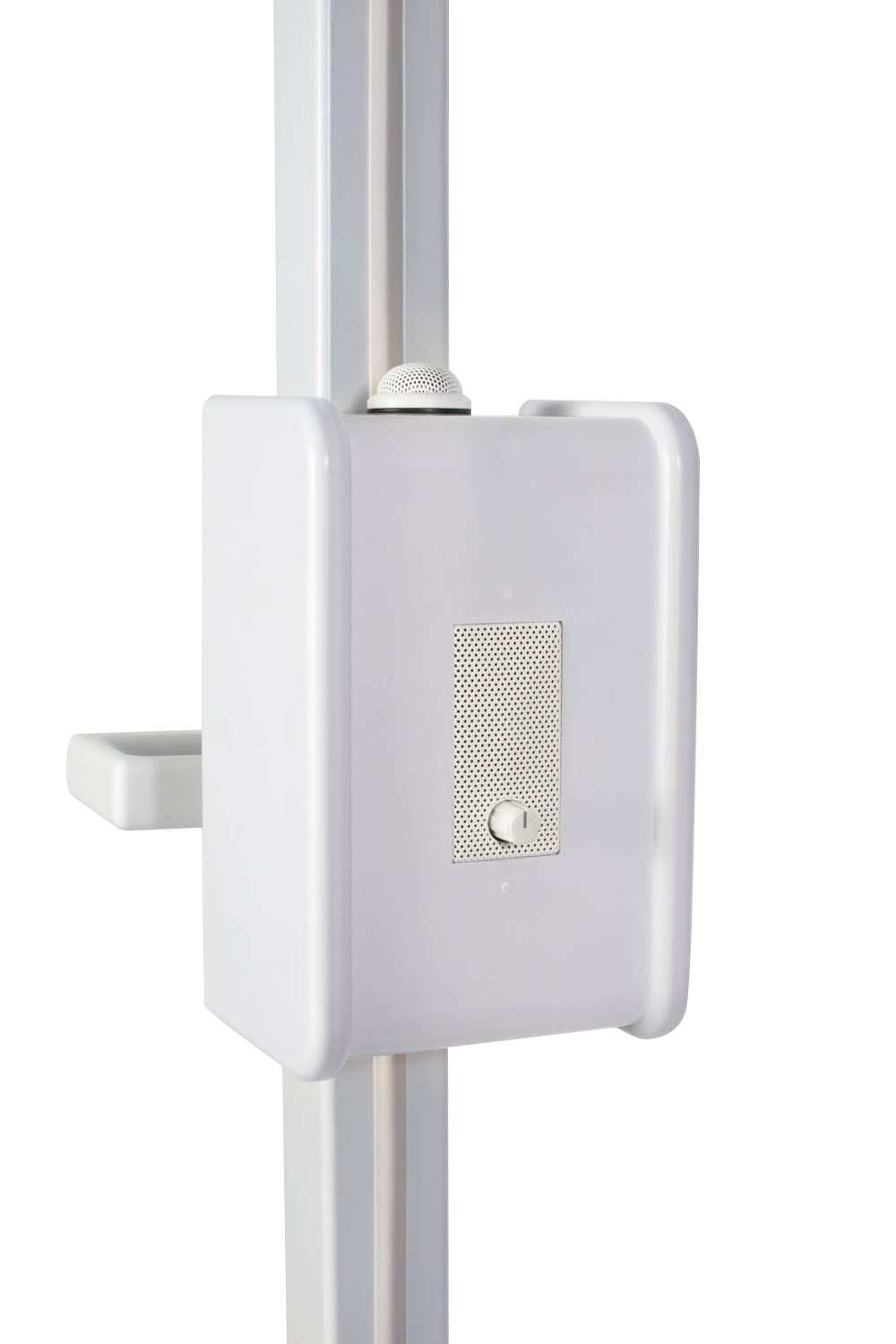
- High-quality microphone & talkback speaker
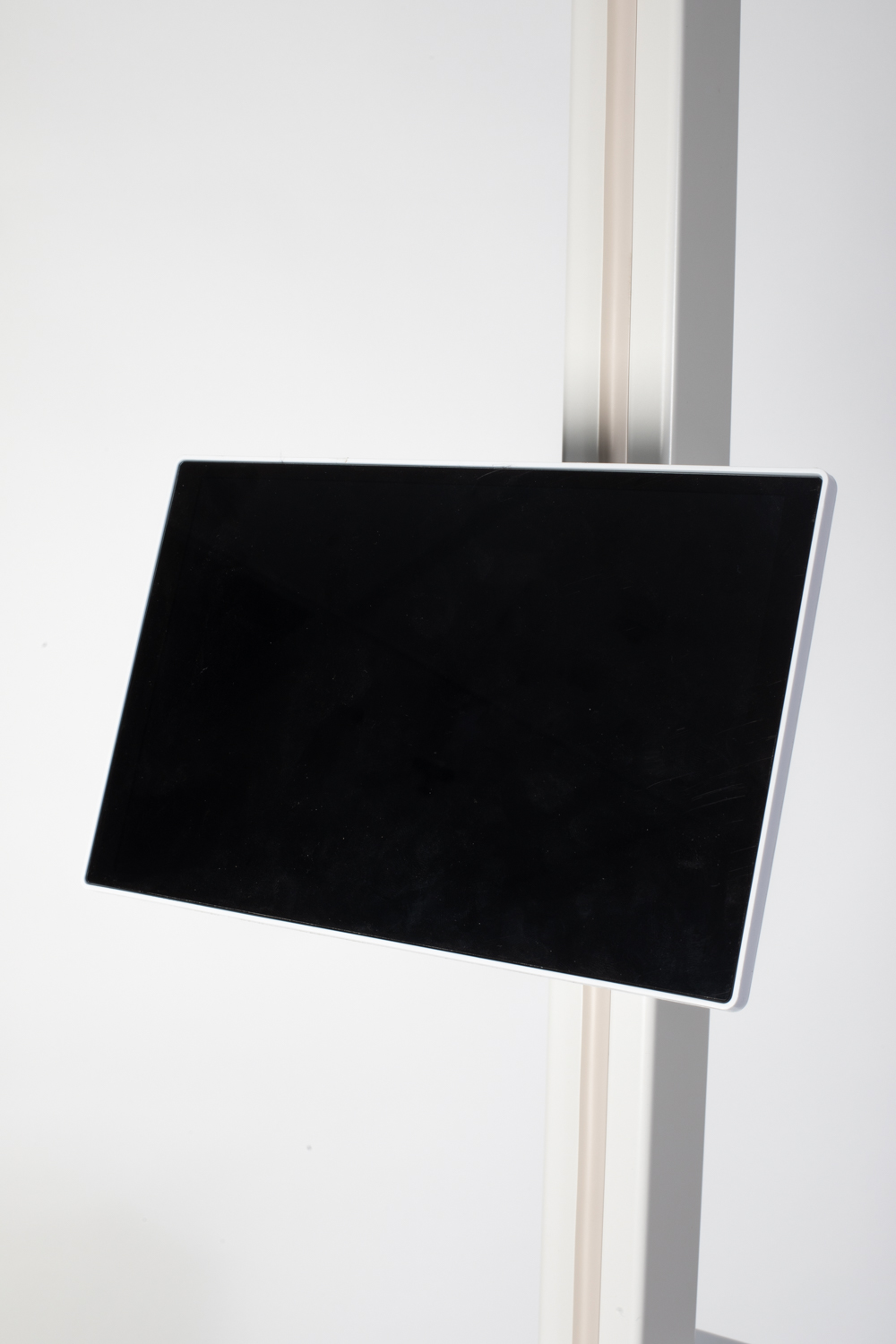
- Optional on-cart camera control display
- Ergonomic handle & locking casters
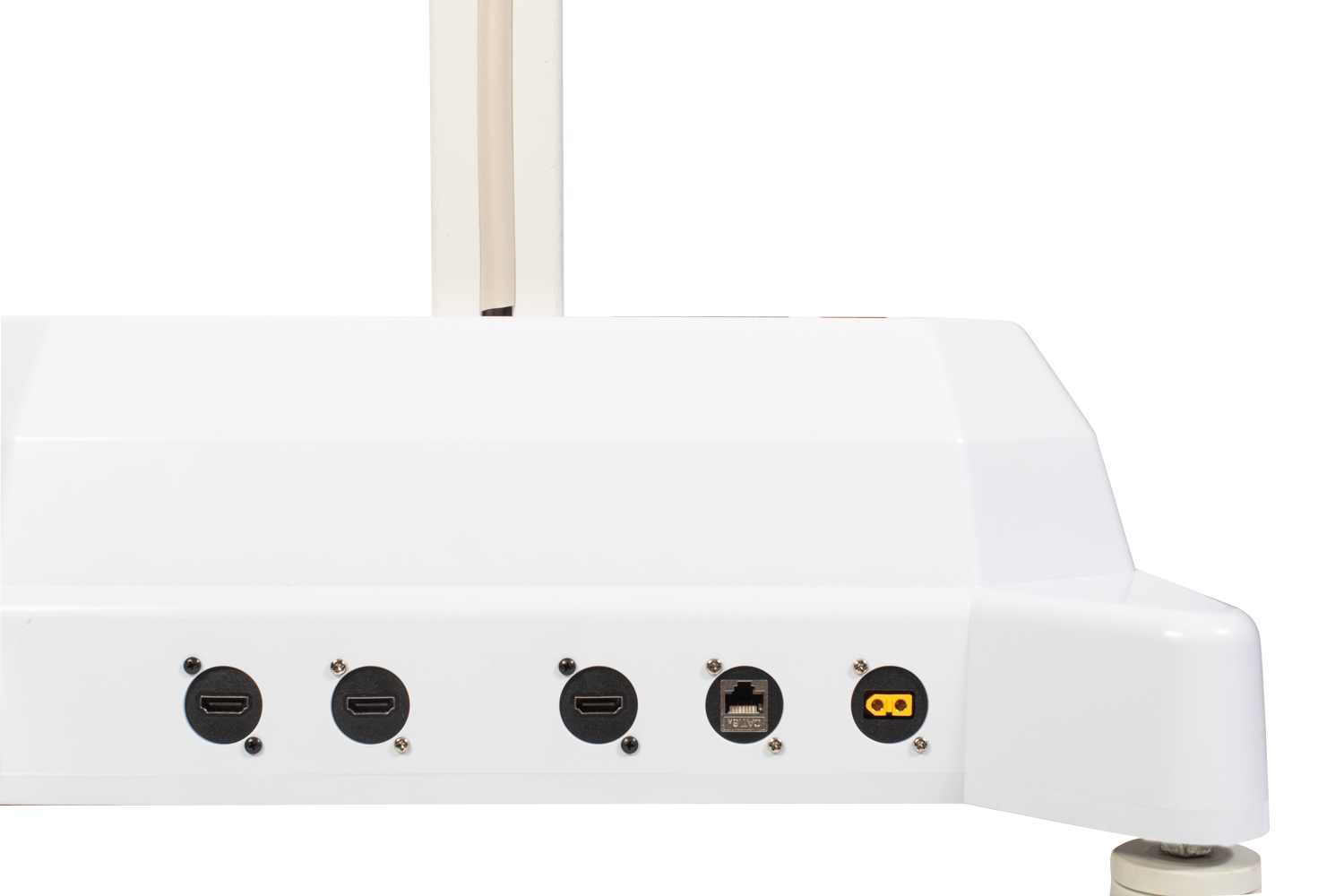
- Ethernet & wireless network connections
- Battery & charging station for cordless use
Full specifications
- Overall Height
- 80 in
- Base to Handle
- 31.75 in H
- Speaker Box
- 7.5 in H x 4.75 in W x 4 in D
- Base
- 21.5 in W x 19.5 in D
ROAM Tablet Cart
Mobile Tablet & iPad Stand for Video Recording
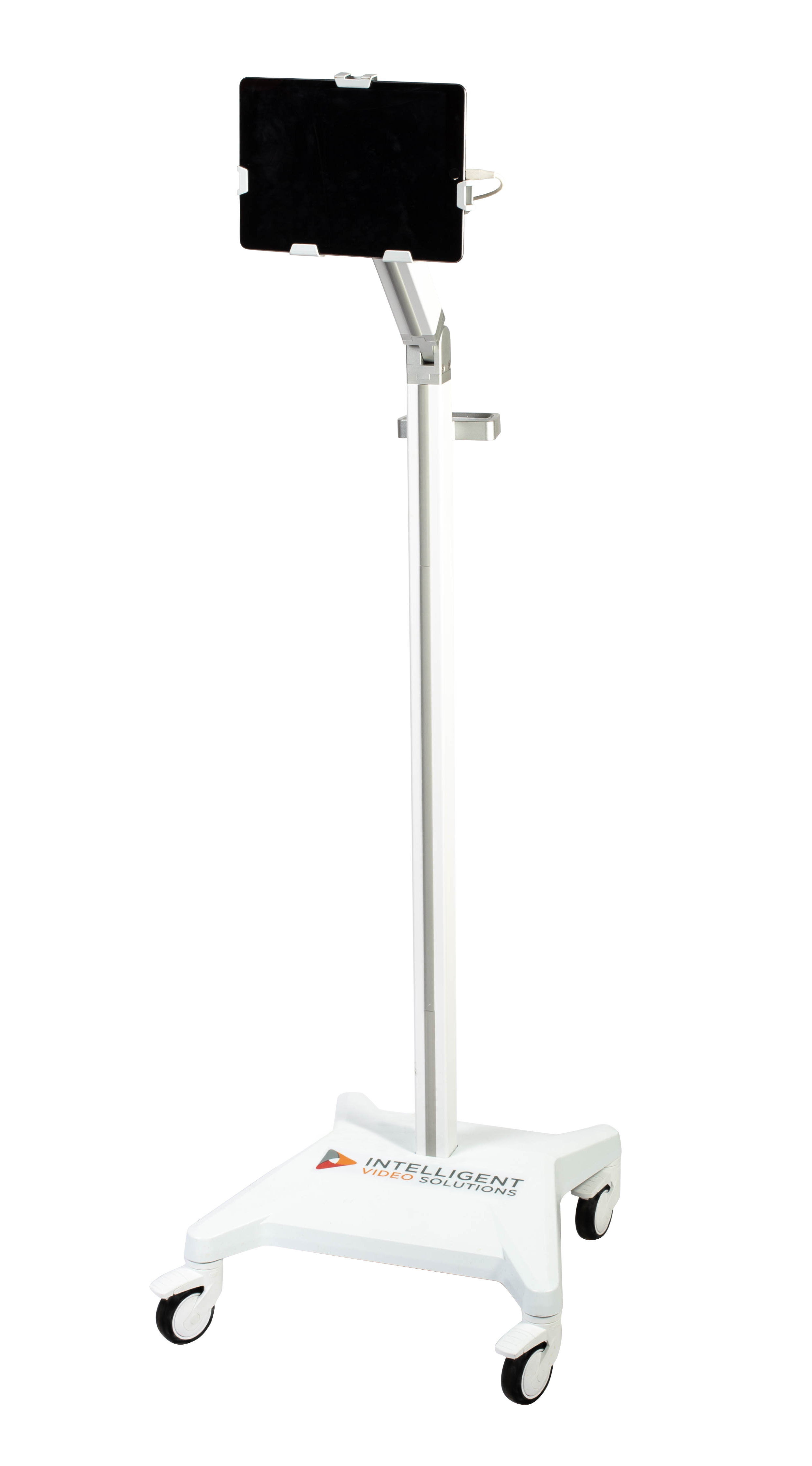
A lightweight rolling stand that securely holds your own tablet to stream and record to VALT. Capture simulated events, interviews, training and assessments in spaces that change day to day.
Key features
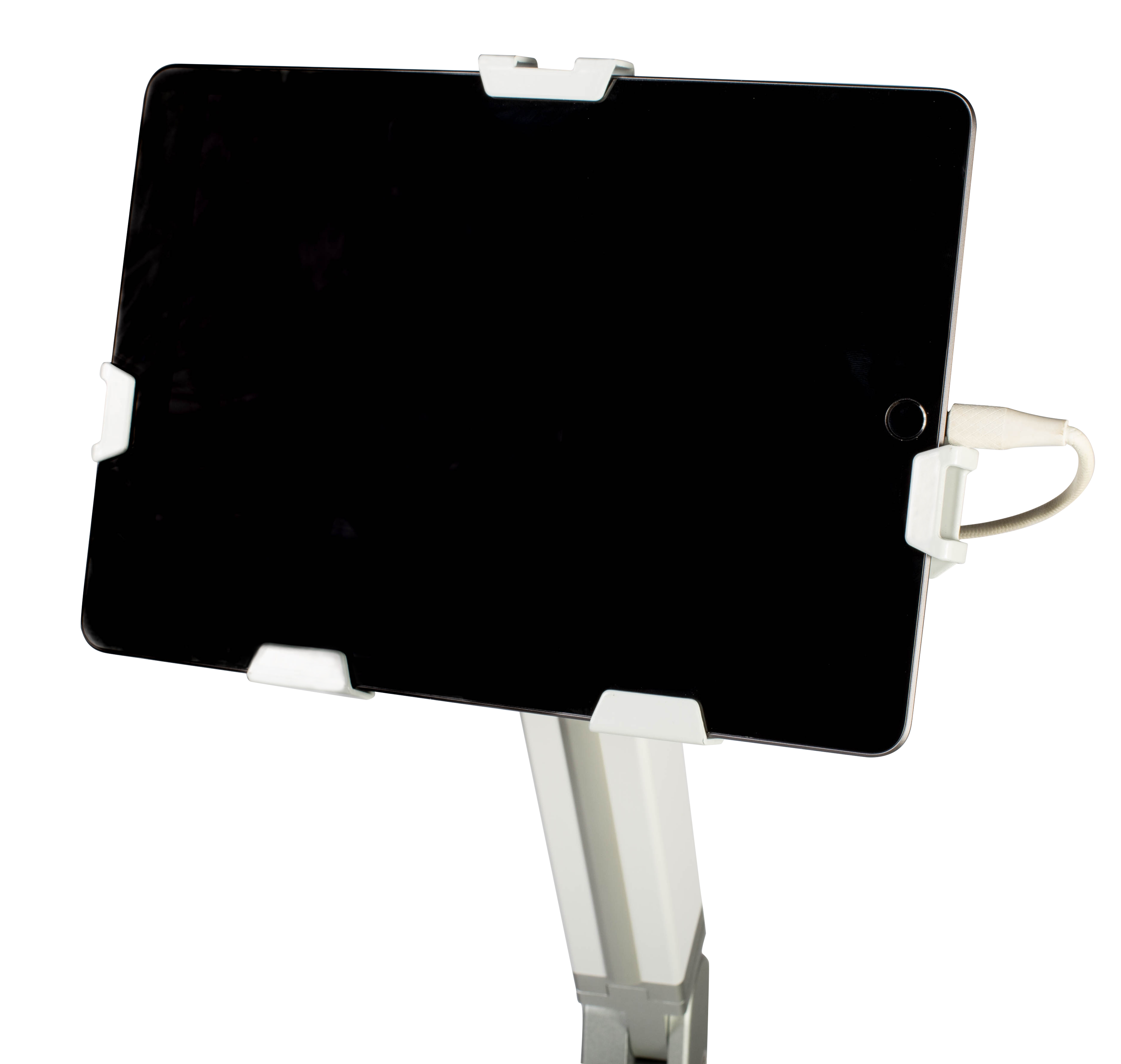
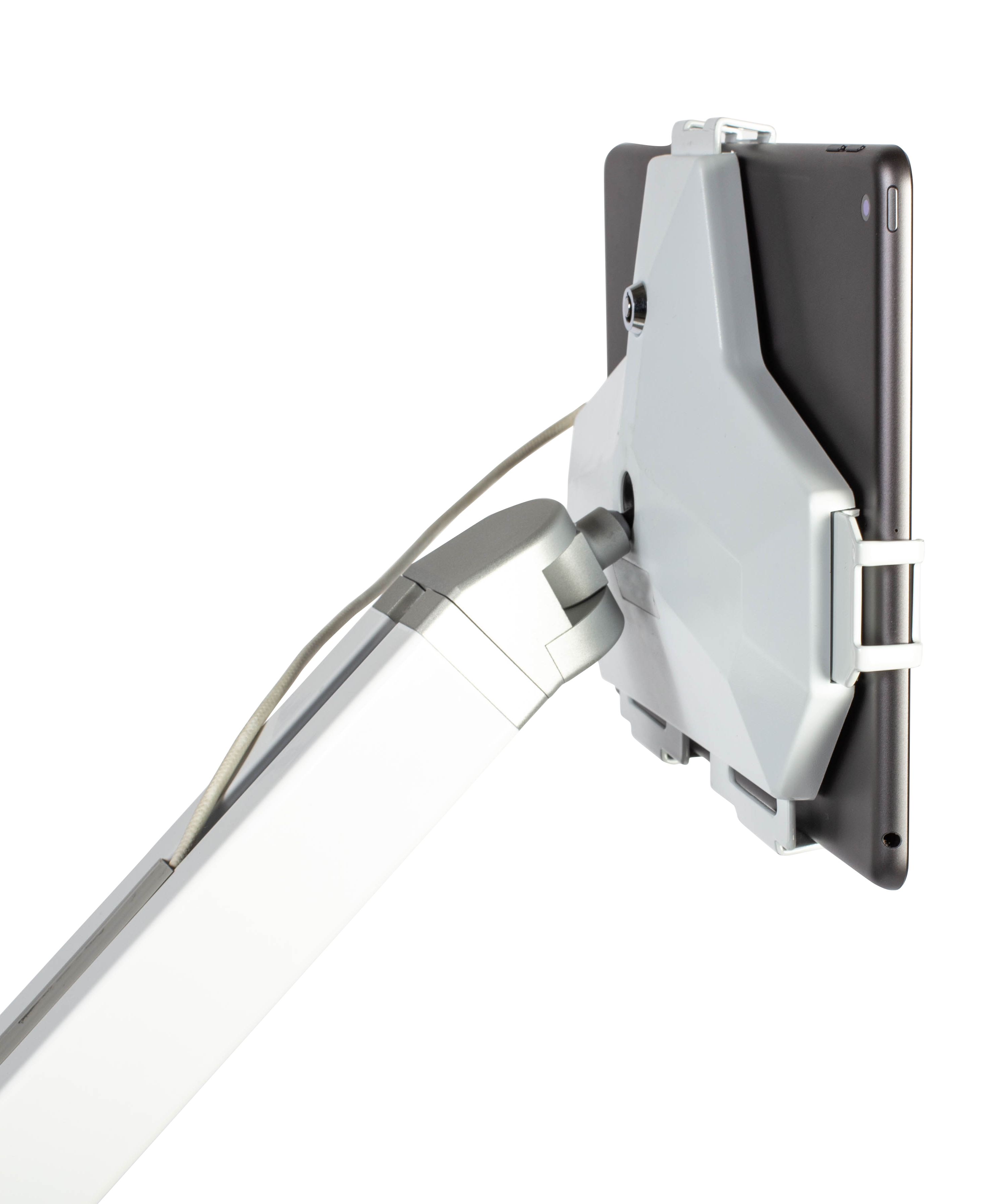
- Universal lockable tablet security bracket
- 60° tablet tilt, 180° horizontal pan
- Height-adjustable articulating arm (44.4–55.4 in)
- Ergonomic handle & casters
Full specifications
- Pole Articulation Arm
- 44.4 in to 55.4 in H
- Articulating Arm Rotation
- 90 degrees
- Base Length
- 17.7 in to 17.9 in H
- Tablet(Not Included)
- 9.3 in to 9.5 in H / 12.95 in L
- Tablet(Not Included) Thickness
- 0.36 in to 0.74 in
ROAM: Connect
Two-Camera Portable Recording Kit in a Travel Case
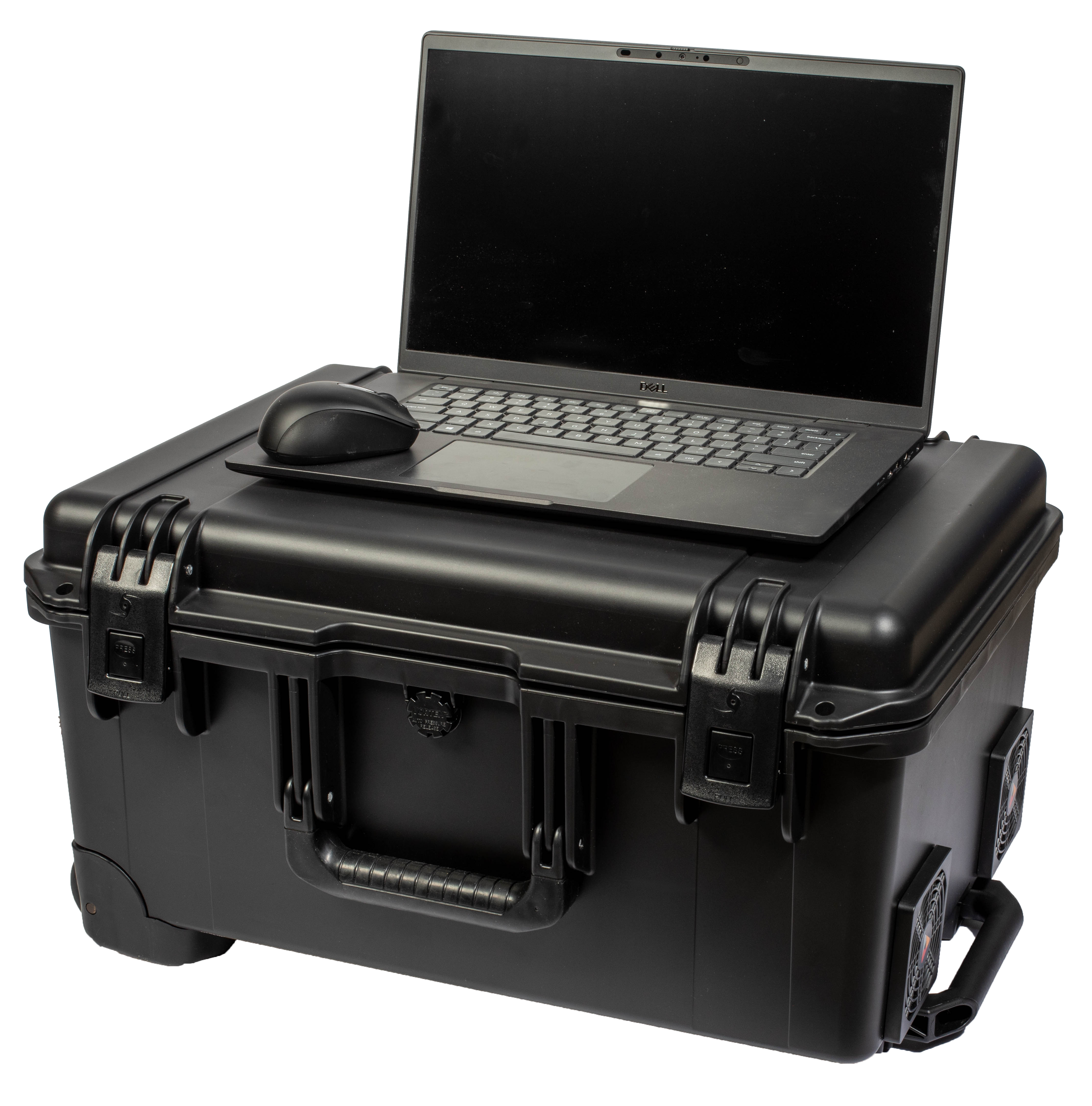
Everything you need to capture, record and stream a session, packed in one wheeled case. Set up two HD cameras on wheeled tripods, plug in a single power cord, and run the session from the included laptop.
What’s in the case
- 2 HD 1080p cameras & 2 microphones
- 2 wheeled tripods with carrying case
- Laptop & mouse to run sessions
- 7-in-1 USB-C multiport adapter
- Built-in connection panel: 6 RJ45, 4 × 3.5 mm audio, HDMI, USB-A, 4 XLR
- 25 ft power cord
Full specifications
- Travel case
- 21.20 in L × 16.00 in W × 10.60 in D
- Tripod carrying case
- 41 in L × 9 in W × 9 in H
- Tripod height
- 21.65–62 in H; 31.60 in W, legs extended
- Power
- 25 ft cord, external source
ROAM: Portable
Portable Video Recording System for Off-Site & Field Use
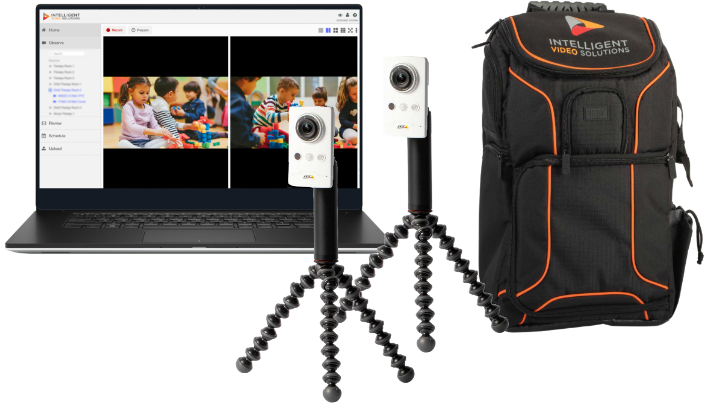
All the observation and recording functionality of VALT in a rolling case or backpack. Set wireless cameras on tripod legs wherever learning or research happens, across your facility or off-site.
What’s included
- 1080p wireless camera(s) with integrated microphones
- Battery pack(s) for camera(s)
- Camera mount(s) with tripod legs
- Laptop: Core i7, 16GB RAM, 2TB SSD
- VALT software included
- Rolling case or backpack
Use cases
Mobile Video Capture Wherever the Work Happens
Get your A/V capture up and running wherever it makes sense, with no permanent hardware or dedicated room.
Healthcare & Emergency Medicine

In-Situ Simulation
Stream and record training in any unit, on any floor, in any room, with no permanent hardware or dedicated space.
Suggested: Camera Cart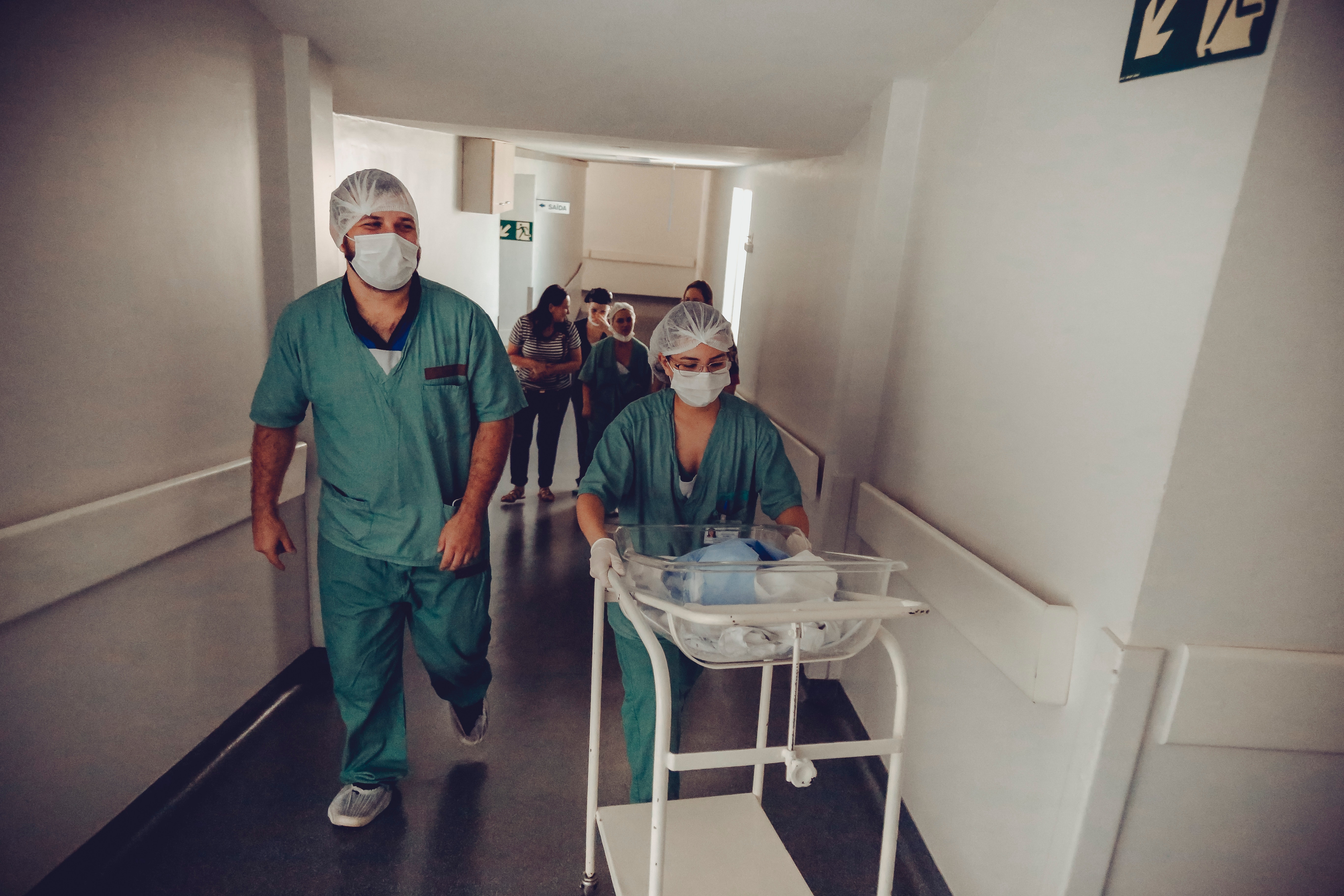
Neonatal Resuscitation
Observe every stage at each station: stabilization, ventilation, chest compressions and epinephrine.
Suggested: Camera Cart
Resident Supervision
When residents train in different spaces each day, the cart moves with them for observation and debrief.
Suggested: Camera Cart
Rehab Gait Training
Record patients and therapists across treadmills, obstacles, range-of-motion work and walkers.
Suggested: ROAM Tablet Cart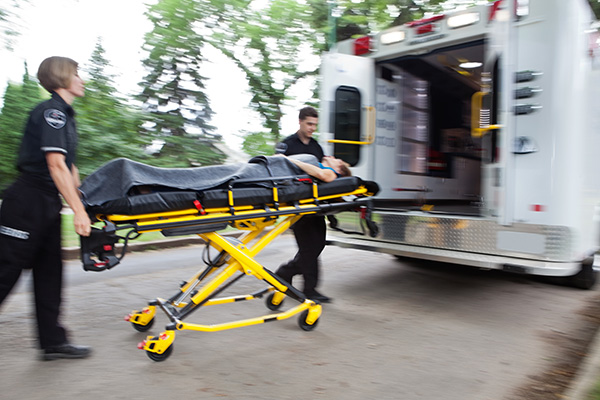
EMT Training
Portable cameras fit the tight quarters of an ambulance to capture assessment, stabilization and transport.
Suggested: ROAM ConnectResearch & Education
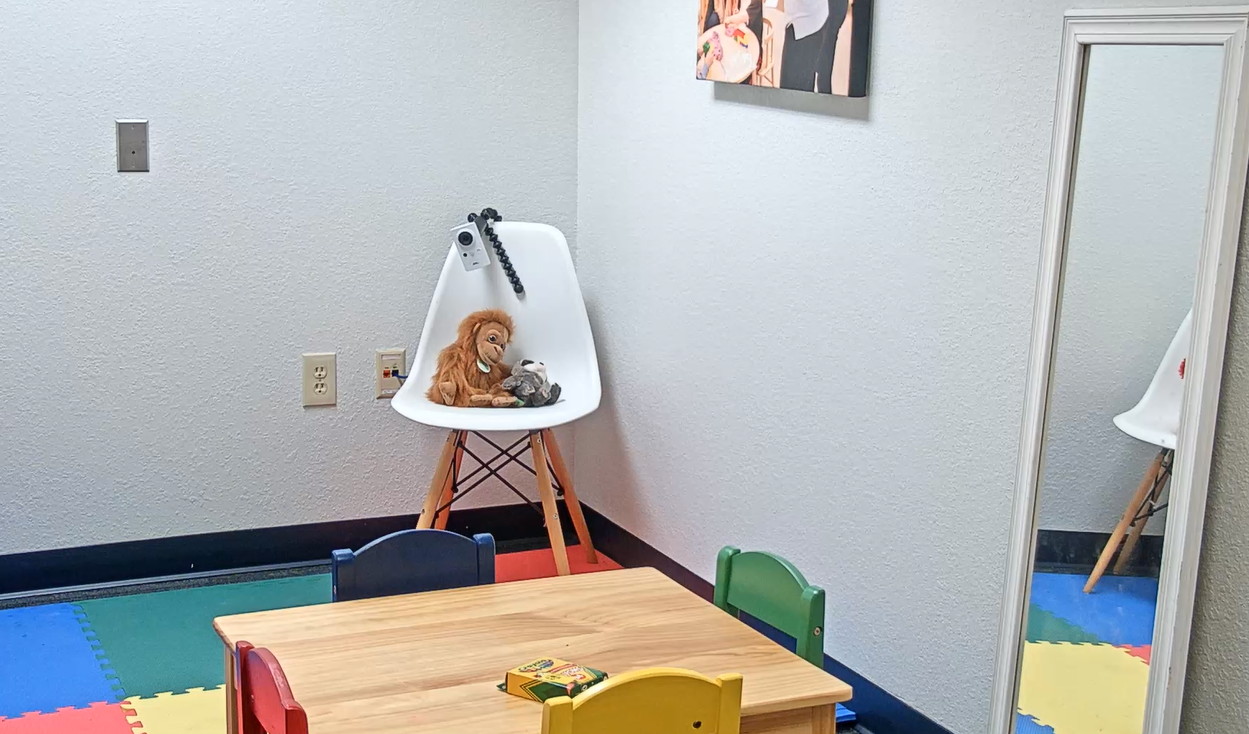
Child & Family Observation
Support observation of family interactions for research in any environment.
Suggested: ROAM Portable
Focus Groups & Product Testing
Set up audio and video capture for market research wherever focus groups and product tests take place.
Suggested: Tablet CartHave a different space in mind?
Tell us where you need to record and we’ll recommend a setup.
Talk to an A/V specialist →Not sure which ROAM fits your space?
Get a free space evaluation from an IVS A/V specialist. We’ll recommend the right mix of carts, kits and fixed cameras.
Trusted by Simulation Centers, Hospitals and Universities
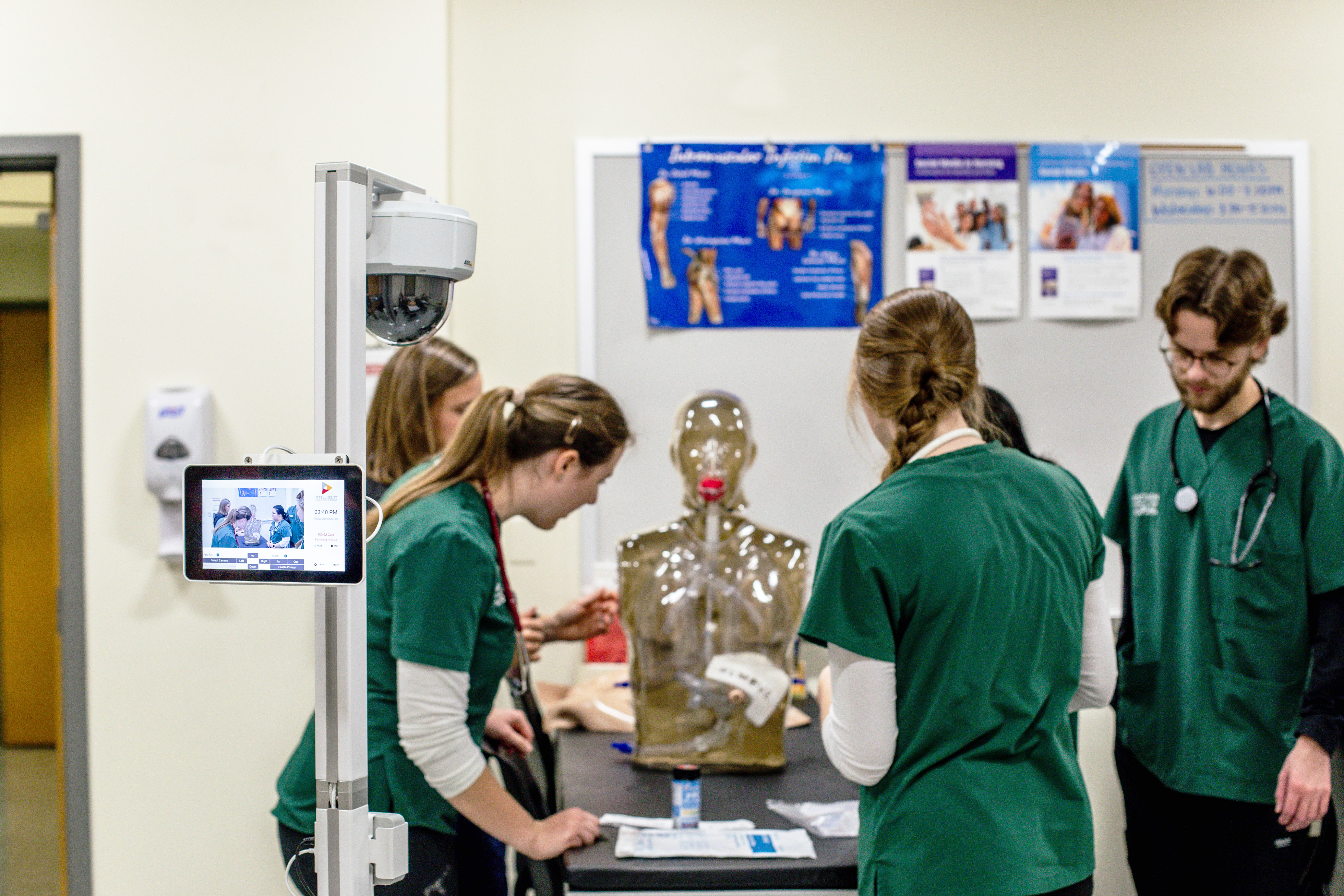
Case study
Wisconsin Lutheran College
Services
Implementation, Installation & Support from IVS
Get your A/V capture system running quickly with hands-on guidance from our team, from planning to go-live and beyond.
Project Management
A dedicated project manager leads implementation and aligns stakeholder needs for a smooth, efficient rollout.
Installation
Certified A/V technicians handle the full installation, from cameras and microphones to software configuration.
Support & Training
Ongoing support and training from a knowledgeable, friendly team dedicated to your success.
ROAM Mobile Video Capture FAQs
What are ROAM Solutions?
ROAM is a family of portable video capture systems that extend VALT beyond fixed camera installations. It includes the ROAM Camera Cart, ROAM Tablet Cart, ROAM: Connect and ROAM: Portable, for recording, observing and streaming in any environment, from simulation labs to in-situ training spaces.
How does ROAM work with VALT software?
ROAM runs on the VALT platform, so you can observe, record, stream and search video just as you would with permanent installations. Whether on a cart, a tablet or in a portable case, video feeds connect to your VALT system with the same permission-based access.
Can I use ROAM alongside fixed cameras?
Yes. A ROAM camera appears as another camera in VALT, so it can be controlled and combined with views from your fixed cameras.
Can ROAM be used in multiple locations?
Yes. ROAM systems roll, carry or deploy into different rooms, floors or buildings without permanent hardware, which makes them ideal for in-situ simulation, clinical skills stations, research labs and field training.
Which ROAM model should I choose?
Choose the Camera Cart for room-to-room PTZ capture, the Tablet Cart to record with your own tablet, ROAM: Connect for a two-camera kit in a travel case, and ROAM: Portable for off-site and field recording. An IVS specialist can help you decide.
Do ROAM carts need a wired network connection?
Not always. ROAM Camera Cart Model A connects by Ethernet with Power over Ethernet, while Models B and C support both Ethernet and wireless connections. ROAM: Portable uses wireless cameras. [VERIFY with product team]
Do I need additional equipment to use ROAM?
ROAM carts and portable units include the essential cameras and mounting hardware. The ROAM Tablet Cart uses your own tablet. Additional cameras or accessories can be added depending on your workflow.
How much does ROAM cost?
Pricing depends on the model, quantity and your existing VALT setup. Request a quote and an IVS specialist will put together a configuration and price for your space.
Can I scale my ROAM solution as needs change?
Yes. Add ROAM carts or portable units at any time to match your organization’s size and capture needs.
Is training and support available for ROAM?
Yes. Intelligent Video Solutions provides project management, installation, configuration, training and ongoing support so your ROAM deployment fits your workflows.
Request a quote
Get a ROAM Quote Built for Your Space
Tell us how and where you need to record. An IVS solutions expert will recommend the right ROAM setup and send a detailed quote.
- 1We review your request within [1 business day].
- 2We assess your needs based on your spaces and workflows.
- 3You get a detailed quote with installation and support options.
Prefer to talk? (855) 229-9699
sales@ipivs.com · Mon–Fri, 8 AM–5 PM CT