


<img height="1" width="1" src="https://www.facebook.com/tr?id=922328371831790&amp;ev=PageView &amp;noscript=1">
Request My Demo
Request My Demo

Recording Solutions for Patient Safety Education and Simulation Learning

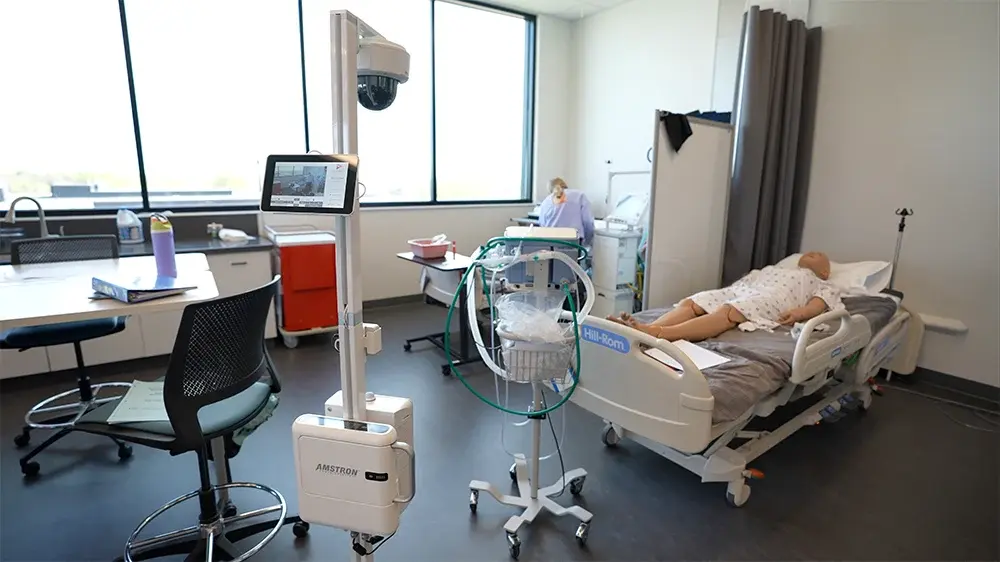
Simulation is an important solution to the challenges of patient safety, allowing enhanced and more effective professional education, with reduced safety risks for real patients. The difficulty has been Integrating simulation into traditional medical student education programs, a problem that is easily solved by using video to record patient safety and simulation sessions.

patient observation

VALT for Patient Saftey Training

IVS offers a easy and powerful inexpensive solution — the VALT video system for observing and recording patient safety simulations. The VALT system can support any number of cameras and microphones, eliminating the need to have an actual human observer present at all times. Instructors can also watch the video feed in real-time and give feedback to students during the simulation.

Learn More
HD video icon

HD Video & High Quality Audio

VALT software integrates with the latest IP camera technology. Observe or review recorded high-definition video in 1080p resolution. Pair with auto-gaining discrete microphones for perfectly synchronized audio.

server -icon

Centralized & Scalable Hardware

VALT uses a central server to process and store all video content, so there is no obstructive video equipment present. A standard Valt installation holds storage space for around 16,000 hours of high-def video though larger installs are available if needed.

ease of use icon

Ease of Use

Instructors and students can view patient safety simulation sessions at any time using nothing more than a internet browser. Each session is tagged with metadata, making it easy to build a video library of training sessions and to look up individual video segments.
valt

Features for Patient Safety Training Observation

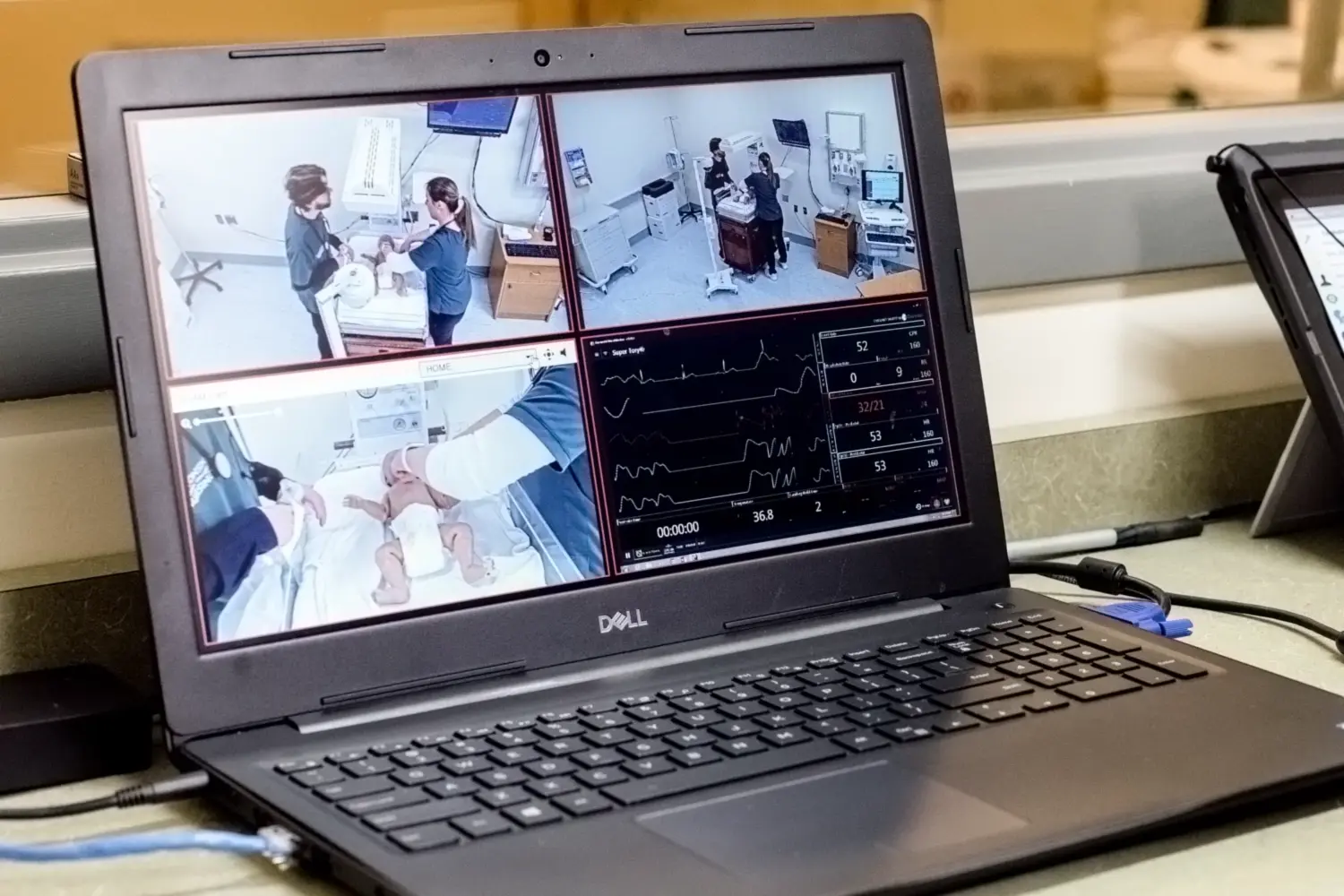
VALT provides powerful and intuitive capabilities to run effective patient safety training. Group any combination of IP cameras, both fixed or moveable PTZ, in one or several rooms for optimal observation. Video can be started and stopped instantly from within the room itself, or by a remote observer. Create or jump to predefined positions called “presets” when our system is paired with PTZ-enabled cameras.

Learn More
Camera Grouping Icon

Markers

Tag specific moments of reflection during live or recorded review, these can be comments or custom markers to highlight feedback and collaoration, which also help searching for moments quick and easy.

IVS-icon-template-12

Encoder Support

The software integrates seamlessly with third-party encoding hardware. This allows us to capture content from different sources such as vital monitors or computers running medical software and automatically pair and synchronize it with video cameras.

microphone icon

Talkback

The VALT video software supports a “talkback” feature, which lets remote instructors talk in real-time during the medical simulation to students equipped with earbuds. “Talkback” is a great way to correct or reinforce students’ behaviors during the simulation.
It's incredible to see the lightbulbs go on when they can really delve into the learning that has occurred through offering a system like this.

Shelley Jeske, MRU School of Nursing & Midwifery

Learn more about our audio video recording solutions.

beam

Off-Site or Mobile Patient Simulation Recording

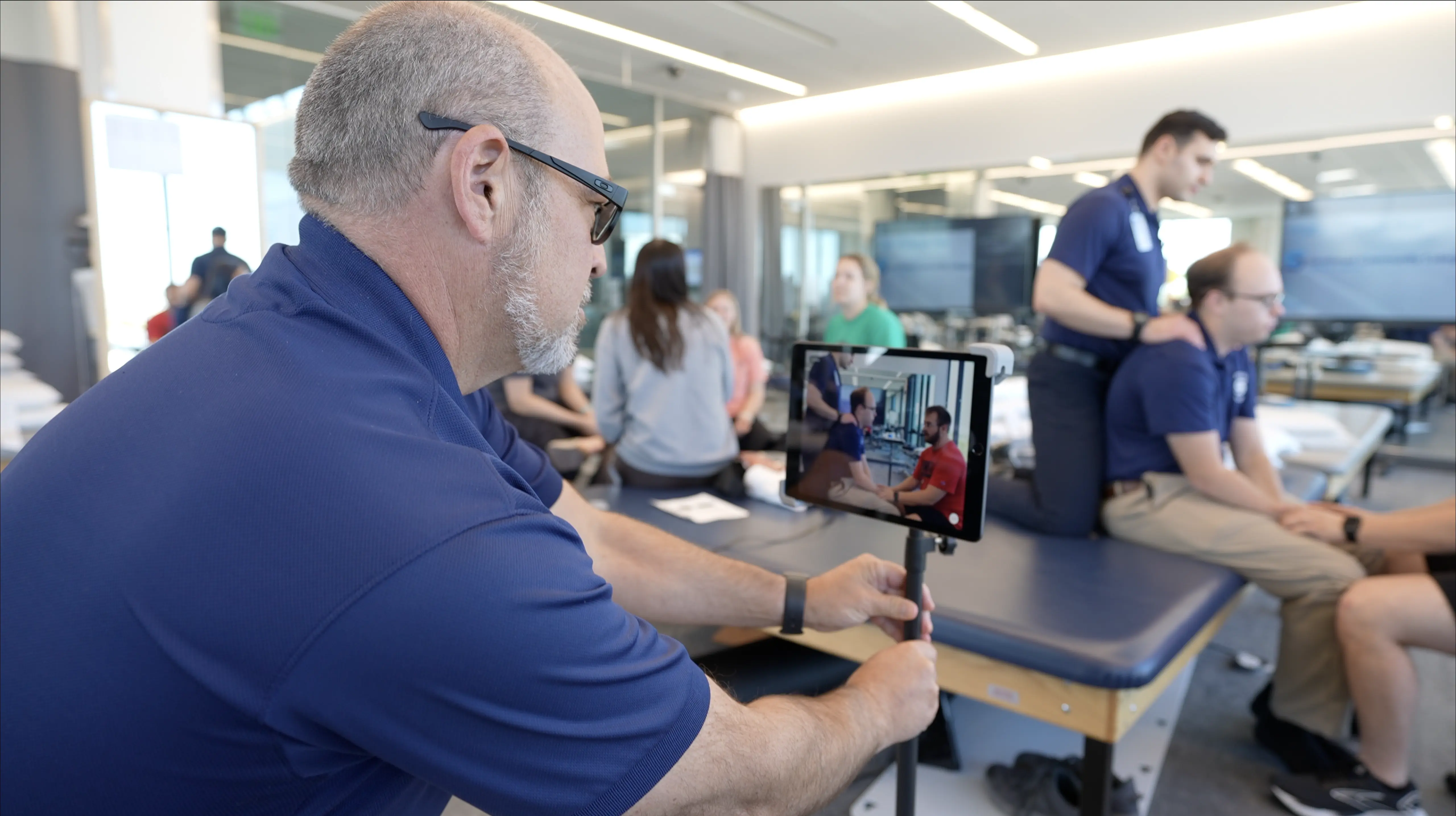
Our Beam mobile capture app records video remotely using a just a smartphone or tablet, and this video automatically syncs with your existing video library.

Learn More
ROAM SCC

Our ROAM capture carts offer users flexible video simulation observation, and recording options. Easily deploy different cart types throughout a room or from room to room. Highly valuable for in situ, simulation scenarios.

Learn More

Healthcare Simulation Lab Planning:
A Guide for Getting Started

Topics and tools: key players, funding, and equipment evaluation


Get the Planning Guide

IVS can provide a complete turnkey solution that can be implemented by any internal IT department or by a third-party integrator. IVS works closely with all of our customers to ensure a successful installation of the VALT video system. Contact us at IVS to schedule a product demonstration or to request a quote.

Our Services

IVS-icon-template-8
Project Management
A dedicated Project Manager oversees the implementation process. They take the time to assess and understand everyone's needs, ensuring a smooth and efficient process
IVS-icon-template-29
Installation
Our team of certified A/V technicians is equipped to handle all aspects of the installation process, including mounting cameras and microphones, setting up network equipment, and configuring software.
IVS-icon-template-9
Support & Training
We provide ongoing support and training to ensure your success.  Our team of technical experts is not only knowledgeable but also friendly and approachable.

Get Started with an A/V Expert

When you partner with IVS, you get a dedicated solutions expert every step of the way. Speak with a A/V specialist to get a evaluation of your space and how to optimize it for video.


FAQs for Video Capture in Patient Safety Simulation

Medical student training has traditionally been hands-on, an indispensable part of training. However, medical professionals are increasingly worried about the safety of patients during such training. As a result, simulation learning has increasingly been replacing some of that hands-on training with real patients. Video recording of these simulations is an important part of the technology package that makes this training effective and safe.

Medical simulation technology with digital video lets students and providers learn, practice, and repeat procedures as often as necessary in order to correct mistakes and hone their skills, without compromising the safety of real patients. Patient safety has rapidly risen to the top of the healthcare policy agenda, and this demand has forced programs to adopt simulation-based medical education to fill these needs.

Audio/video recording is vital in patient safety and simulation-based medical education. It allows students and providers to learn, practice, and repeat procedures as often as needed to refine their skills and correct mistakes without compromising patient safety. Integrating video recording into your simulation program can enhance professional education while minimizing risks to actual patients.
Our VALT audio/video system offers several advantages over traditional observation methods. With support for multiple cameras and microphones, VALT eliminates the need for a human observer to always be present. Instructors can watch live video feeds and provide real-time feedback to students during the simulation using our "talkback" feature. Additionally, recorded sessions can be easily accessed and reviewed anytime, allowing for thorough post-simulation analysis and debriefing.
IVS uses a combination of portable, lightweight IP cameras and high-quality auto-gaining microphones to ensure exceptional video and audio capture in simulation settings. Our cameras can be fixed or movable and strategically placed to provide multiple viewing angles. The auto-gaining microphones effectively eliminate background noise and hum, delivering clear audio. We minimize equipment intrusion in the simulation space by processing and storing all video content on a central server, creating a more immersive and realistic experience.
The Our BEAM mobile capture app lets you record video remotely using a smartphone or tablet. The video captured off-site automatically syncs with your existing VALT video library, ensuring seamless integration and easy access to all your simulation recordings.
A standard VALT installation provides storage for approximately 16,000 hours of high-definition video, with larger capacities available based on your needs. Each recorded session is tagged with metadata, making organizing and searching your video library simple. Users can easily locate and access specific simulations for review and analysis. Our system ensures your valuable simulation content is securely stored and readily available for future reference and training purposes.
Our VALT audio/video software includes a powerful "talkback" feature that enables instructors to communicate with students in real-time during a simulation. Students wear earbuds, allowing instructors to provide immediate feedback, guidance, and reinforcement without disrupting the simulation flow. This feature enhances the learning experience by facilitating timely corrections and support, ultimately improving student performance and patient safety outcomes. Instructors can observe the simulation remotely and offer targeted advice precisely when it is needed most.

Patient Safety Video Capture Resources

laptop classroom
classroom-1
IT staff server room

Checklist: 10 Service Offerings to look for in an A/V 

10 Service Offerings You Should Expect From Your A/V Capture Provider

6 Ways Customization Makes A/V Capture More Effective 

Enhance Your Learning Environment With a
Solution Tailored to Your Needs

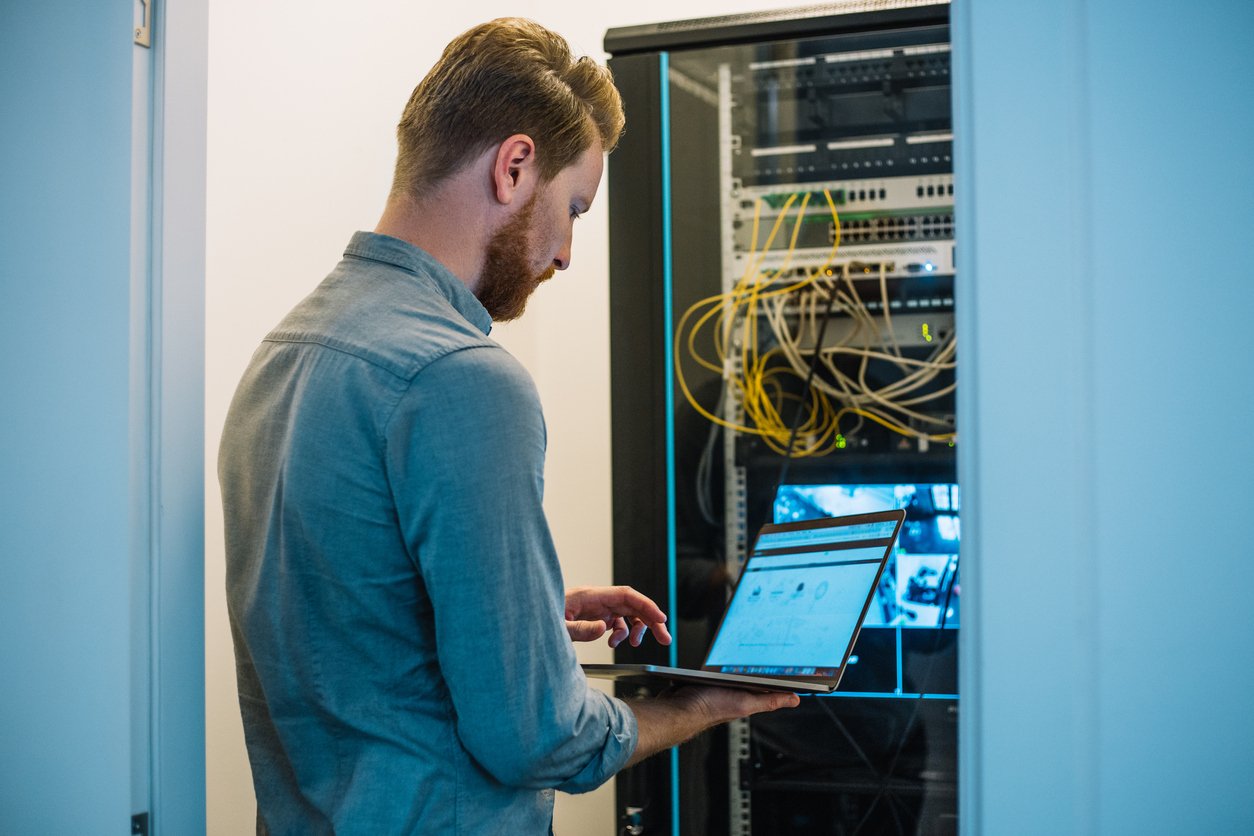
Why I.T. Should Lead Video System Deployments

When IT implements a true video observation and recording platform the organization can create synergies and standards while avoiding potential problems and risks.