

<img height="1" width="1" src="https://www.facebook.com/tr?id=922328371831790&amp;ev=PageView &amp;noscript=1">
Request My Demo
Request My Demo

Video Recording Solutions for Standardized Patient Labs

Using video to record standardized patient labs offers a new high-tech approach to improve the process. Video allows students to review their SP session, building confidence while identifying areas in need of improvement. Video lets aspiring students use technology to sharpen their professional skills and develop a greater understanding of the practitioner-patient relationship.

valt

VALT Solution for Standardized Patient Recording

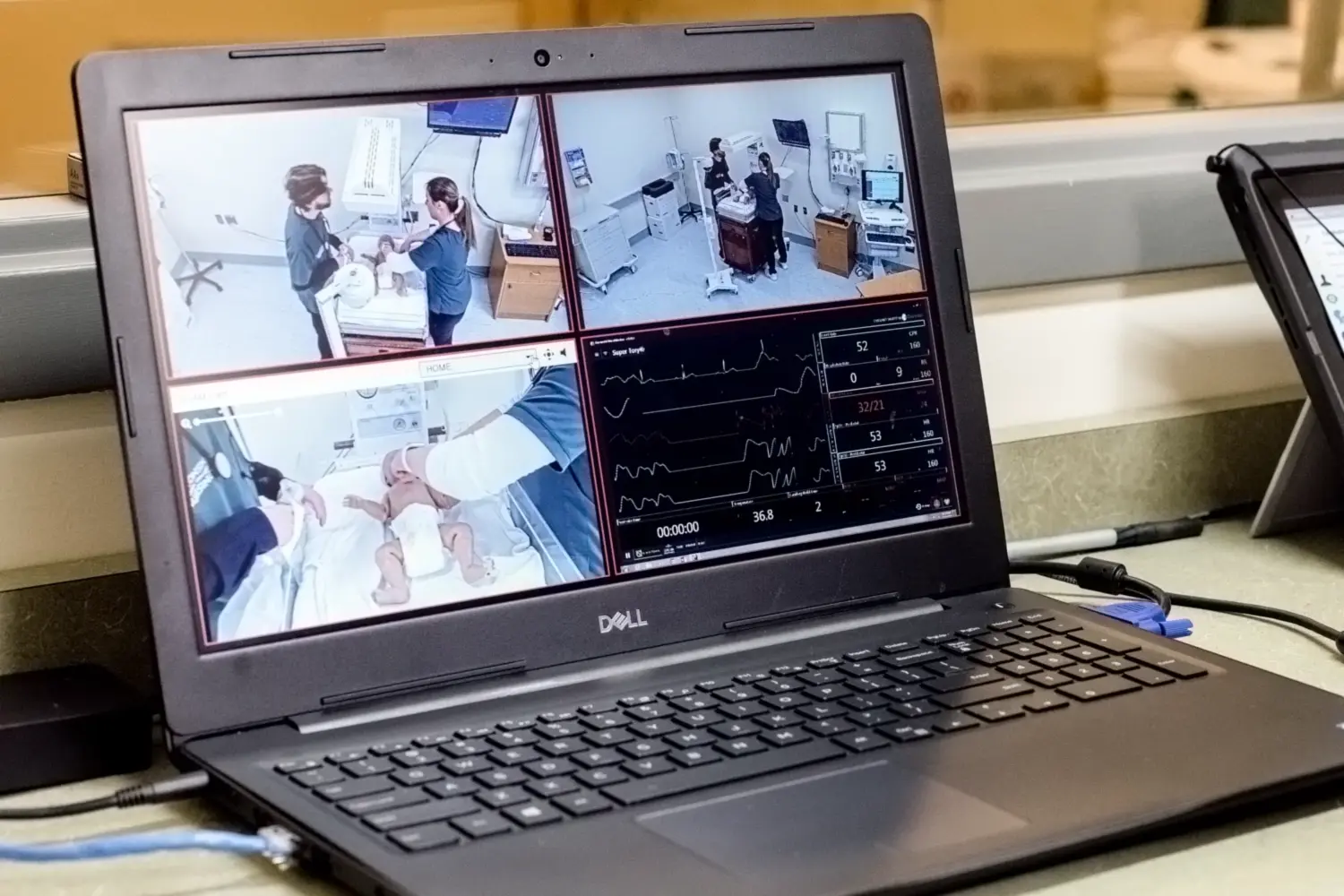
VALT is a powerful and inexpensive recording solution for students and instructors conducting standardized patient labs. The VALT system can simultaneously support dozens of cameras and microphones, ensuring nothing is missed during video review of an SP session. VALT can also live-stream, allowing instructors to remotely observe their students during their simulated patient labs.

Learn More
HD video icon

HD Video & High Quality Audio

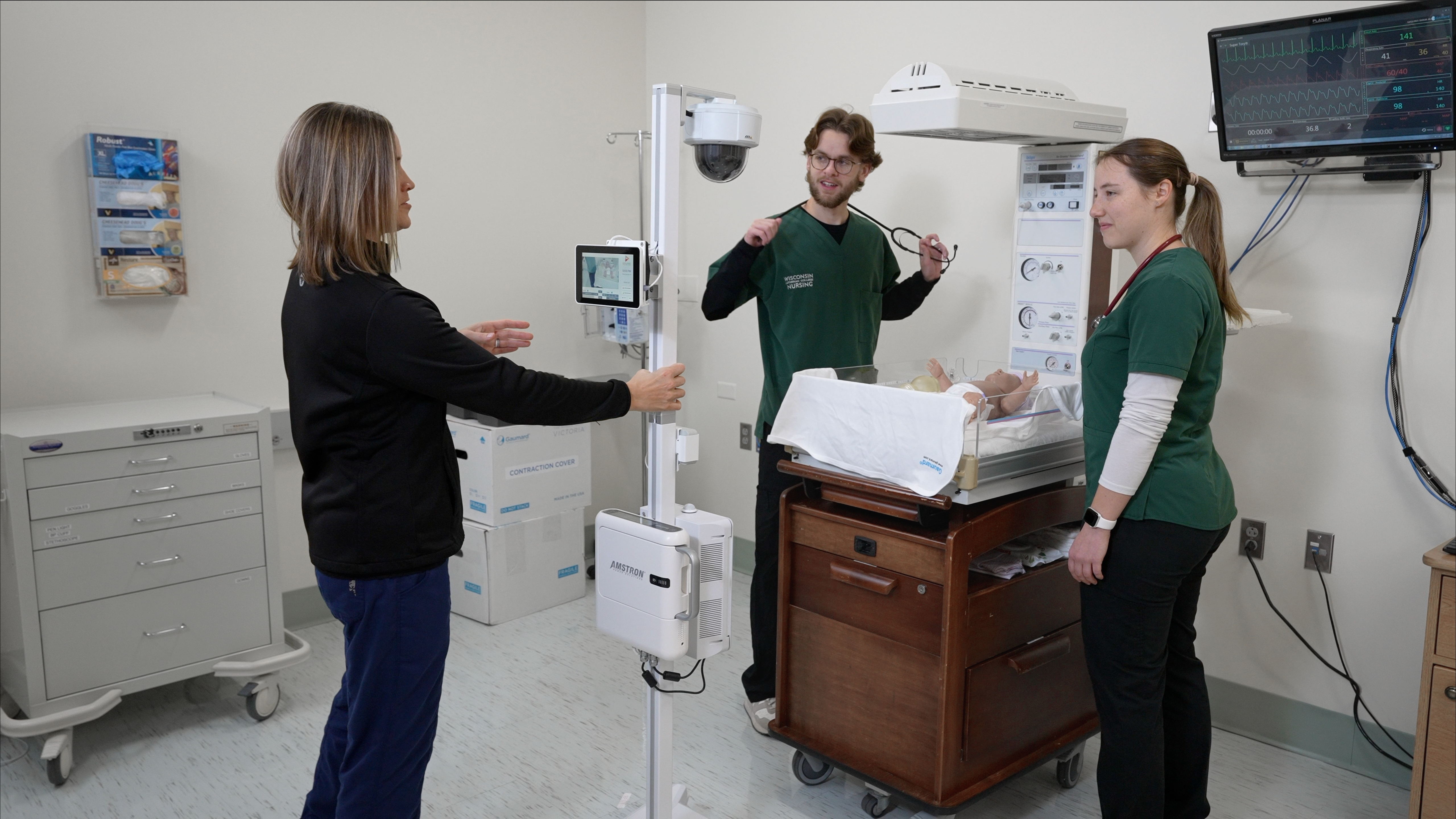
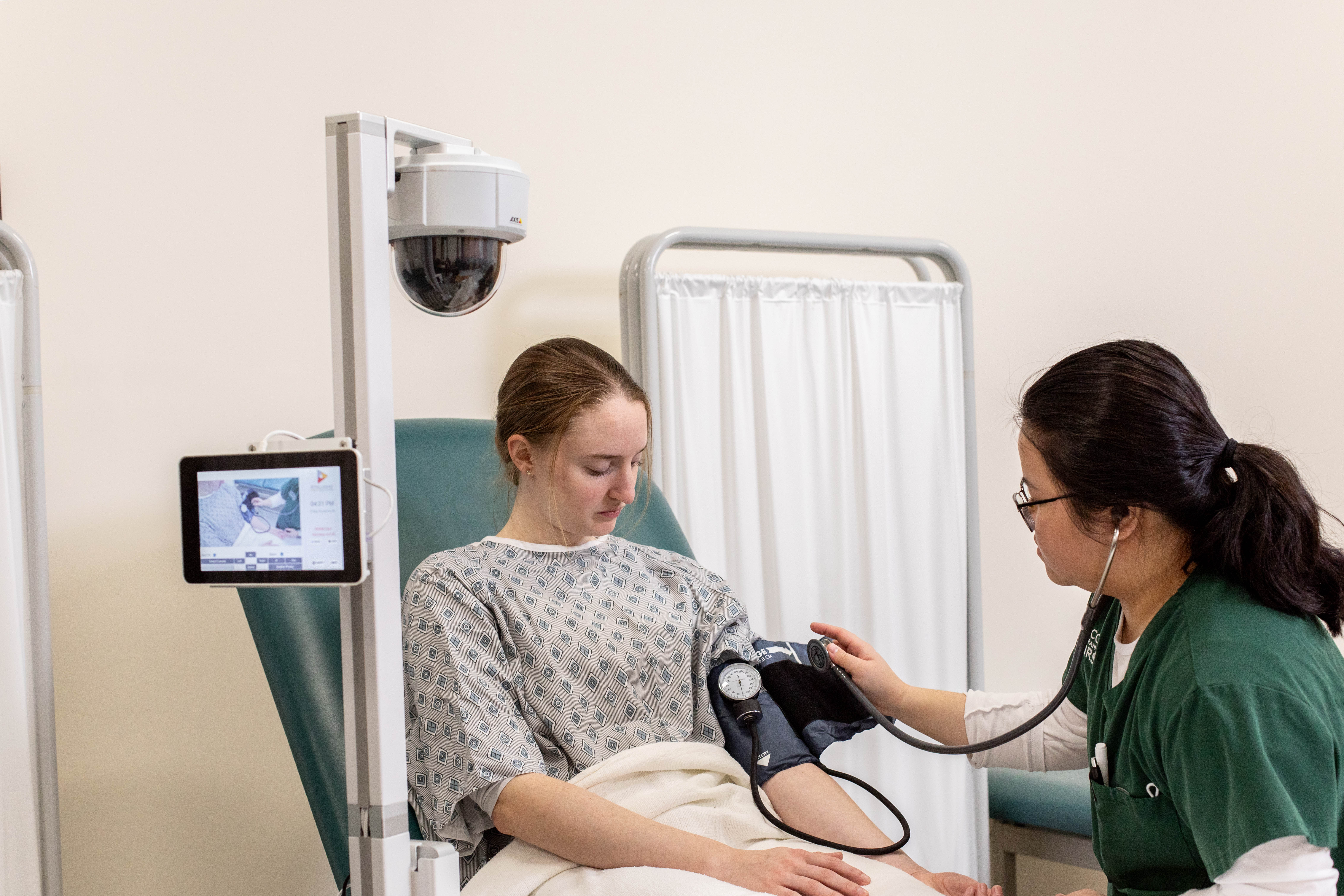
VALT is an extremely unobtrusive video installation — students are hardly aware that they are being observed. Utilize fixed or PTZ HD IP cameras that capture video in 1080p, which are paired with high-quality auto-gaining microphones.

IVS-icon-template-14

Scalable Infrastructure

To review recorded simulated patient labs, instructors and students require nothing more than a simple Internet browser. A central server supports all video with a standard installation storage of 16,000 hours of high-definition video, though larger installs are available if needed.
IVS-icon-template-5

Security

VALT's granular, customizable user permission structure, full SSL web traffic encryption as well as RTMPS video stream encryption, and audit logs provide security methods that are often a compliance requirement in regards to sensitive data.
WLC Standardized Patient

Features that Support Better Observation and Learning
VALT provides powerful features that support improved observation and training. Users can create custom room views with up to nine camera views from one or multiple rooms. Comments and quick markers highlight key moments for improved feedback and reflection.

Learn More
IVS-icon-template-11

Software Video Control

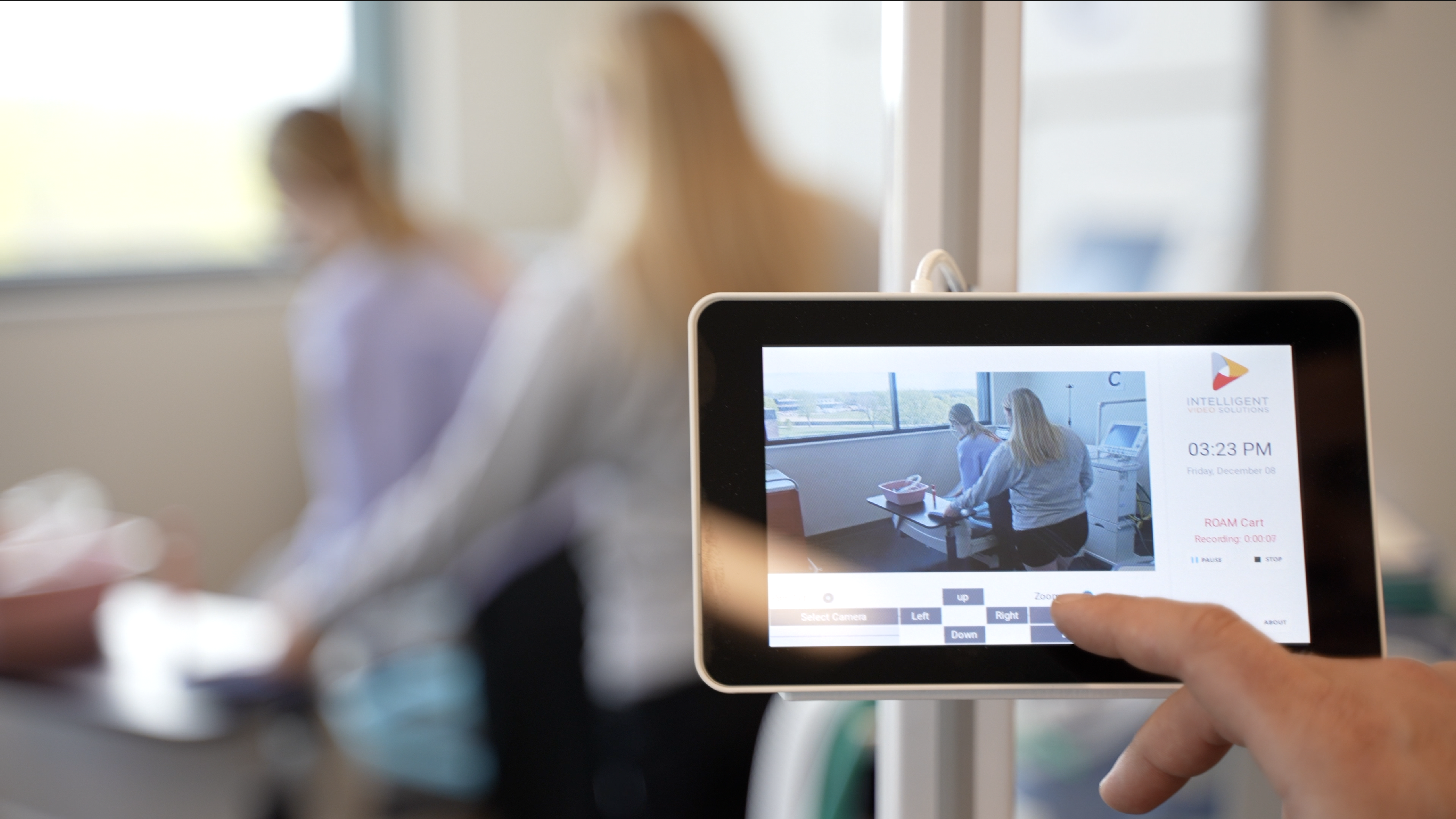
Control pan-tilt-zoom (PTZ) cameras remotely through the software interface and tie camera presets to scheduled recordings, automating the movement of cameras. Video can be started and stopped instantly from within the room itself, or by a remote observer.

marker icon

Feedback

Tag specific points within a recording either during live simulation lab observation or during the review process. These “markers” allow users to easily jump right to that point in the video similar to chapters in a DVD.

schedule icon

Monitor & Schedule

Users can use this feature to schedule standardized patient lab recordings in advance. The schedule can be set to automatically recur on a daily, weekly or monthly basis allowing for complete automation of the recording process.

microphone icon

Talkback

A “talkback” feature, which lets remote observers talk in real-time during the SPs to the students. “Talkback” is a powerful tool to correct or reinforce students’ interactions with the simulated patient, while the behaviors are still fresh in the students’ minds.

IVS-icon-template-10

Searchable database

Build a customized searchable database. Our software allows medical students and instructors to build a searchable video database.

IVS-icon-template-2

Organized Video Library

Each session is tagged with metadata, making it easy to look up individual video sessions. The vast storage space allows you to build a vast library of simulated patient lab recordings.


Our experience working with IVS has been phenomenal. Anything we have asked questions on they're willing to help us. They want to make our experience better so that our students have a better outcome and learning in the long run.

Jessica Washburn, MSN RN, Wisconsin Lutheran College


Learn more about our audio video recording solutions.

ROAM screenshot

Off-site Recording of Simulation Patient Labs

Our Beam mobile capture application records SP video sessions remotely, using only a smartphone or tablet. When your device connects to wi-fi, the Beam application automatically syncs the video with the main VALT server.

Learn More
WLC Video screenshot

Flexible Recording for Standardized Patient Labs

Our Beam mobile capture application records SP video sessions remotely, using only a smartphone or tablet. When your device connects to wi-fi, the Beam application automatically syncs the video with the main VALT server.

Learn More
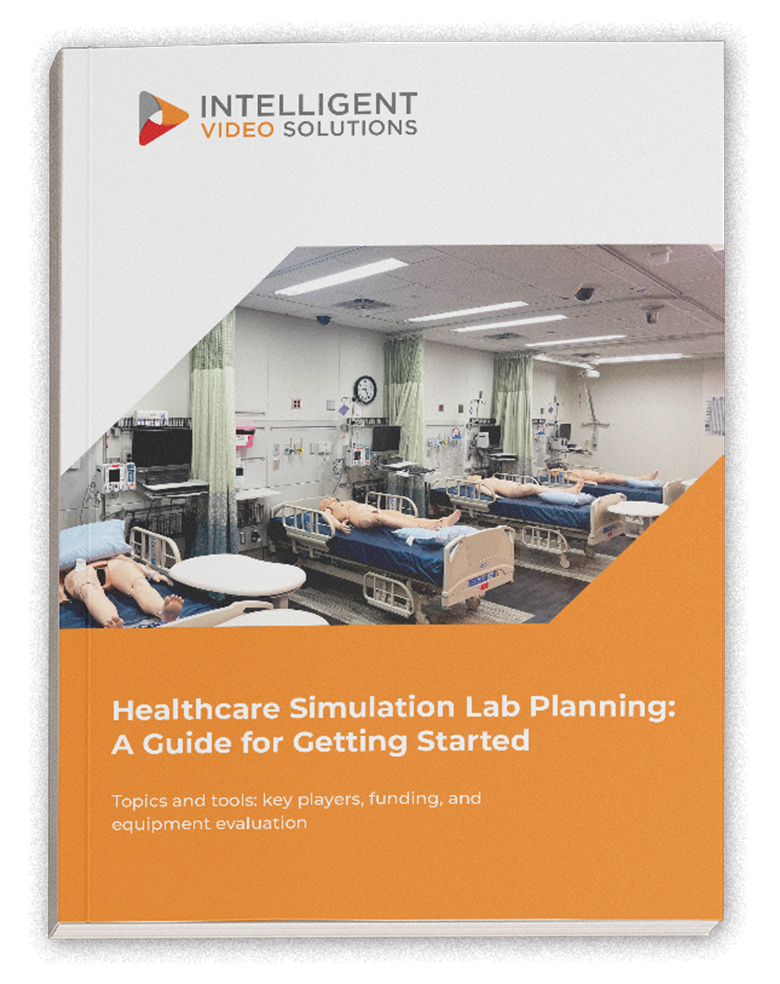
narrow book image

Healthcare Simulation Lab Planning: A Guide for Getting Started

Topics and tools: key players, funding, and equipment evaluation

IVS can provide a complete turnkey solution that can be implemented by any internal IT department or by a third-party integrator. IVS works closely with every customer to ensure a successful installation of the VALT digital video system. Contact us at IVS to schedule a product demonstration or to request a quote.

Our Services

IVS-icon-template-8
Project Management
A dedicated Project Manager oversees the implementation process. They take the time to assess and understand everyone's needs, ensuring a smooth and efficient process
IVS-icon-template-29
Installation
Our team of certified A/V technicians is equipped to handle all aspects of the installation process, including mounting cameras and microphones, setting up network equipment, and configuring software.
IVS-icon-template-9
Support & Training
We provide ongoing support and training to ensure your success.  Our team of technical experts is not only knowledgeable but also friendly and approachable.

Get Started with an A/V Expert

When you partner with IVS, you get a dedicated solutions expert every step of the way. Speak with a A/V specialist to get a evaluation of your space and how to optimize it for video.


FAQs for Video Systems in Standardized Patient Labs

The IVS VALT audio/video recording system is a powerful tool for improving standardized patient lab training. By capturing SP sessions on video, students can review their performance, identify areas for improvement, and build confidence in their clinical skills. Video provides a detailed record of each interaction, allowing students to analyze their communication, examination techniques, and decision-making processes. Instructors can also use the recordings to provide targeted feedback and facilitate discussions, enhancing the overall learning experience.
We understand the importance of creating a realistic, immersive environment for standardized patient labs. That's why the VALT system is designed to be highly discreet. We use a central server to process and store all video content, which means the only equipment required in the room are HD IP cameras and high-quality auto-gaining microphones. The cameras can be easily adjusted to record from any angle, either fixed or movable. This minimalist setup allows students to focus on their interactions with the simulated patients without being distracted by bulky recording equipment.
Yes, the VALT system supports live streaming, enabling instructors to observe their students remotely during simulated patient labs. Our "talkback" feature also allows remote observers to communicate with students in real-time. This powerful tool enables instructors to provide immediate feedback, correct or reinforce behaviors, and guide students through challenging scenarios. By facilitating real-time communication, our system enhances the learning experience and helps students refine their skills in the moment.
Accessing and reviewing recorded simulated patient labs is simple with the IVS VALT system. All that is required is a standard internet browser, such as Firefox, Safari, or Chrome. Students and instructors can log in to the system from any device, including computers, tablets, or smartphones, to view the recorded sessions. Each session is tagged with metadata, making searching for and locating specific videos easy. Our user-friendly interface ensures participants can quickly find and review the desired content, facilitating efficient learning and self-evaluation.
The VALT system can easily accommodate off-site recording of simulated patient labs. We offer a mobile capture application called BEAM, which allows you to record video sessions remotely using a smartphone or tablet. Simply use the BEAM app to record the off-site session, and when your device connects to Wi-Fi, the video will automatically sync with the main VALT server. This feature provides flexibility and convenience, enabling you to conduct and record standardized patient sessions wherever they take place.

The VALT system offers ample storage capacity to accommodate your growing library of standardized patient lab recordings. A standard installation provides storage for approximately 16,000 hours of high-definition video, with larger installations available if needed. Users can easily organize and manage the recorded content using our built-in metadata tagging system.

Each video session can be tagged with relevant information, such as student names, dates, or specific clinical scenarios, making it simple to search for and retrieve specific recordings. This extensive storage and organization capability allows you to build a comprehensive library of simulated patient lab videos for long-term learning and reference.

Standardized Patient Video Capture Resources

laptop classroom
classroom-1
IT staff server room

Checklist: 10 Service Offerings to look for in an A/V 

10 Service Offerings You Should Expect From Your A/V Capture Provider

6 Ways Customization Makes A/V Capture More Effective 

Enhance Your Learning Environment With a
Solution Tailored to Your Needs

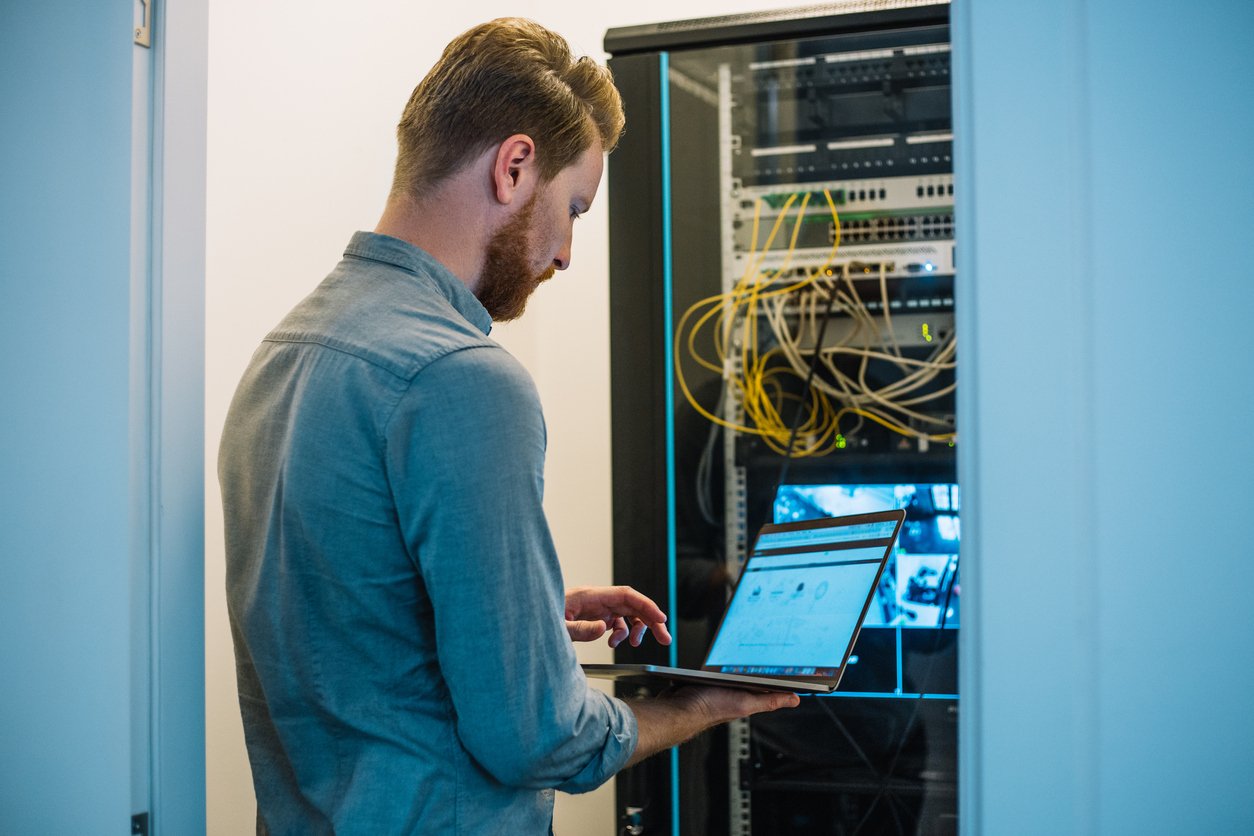
Why I.T. Should Lead Video System Deployments

When IT implements a true video observation and recording platform the organization can create synergies and standards while avoiding potential problems and risks.